
Present your web designs apps social media posts or UI/UX projects in a professional and aesthetic way with this Laptop Screen Website Mockup. Specifically designed for UI/UX designers developers and digital creators this mockup allows you to showcase your work in a realistic and polished environment. Whether youre creating portfolio previews Behance or Dribbble showcases Instagram posts or client presentations this mockup ensures your designs look sophisticated and engaging.
The set includes 12 individual PSD files with high-resolution outputs of 4500 × 3000 pixels at 300 dpi providing crisp detailed visuals suitable for both digital display and print applications. Each mockup uses Smart Object layers allowing you to insert your designs quickly and effortlessly simply double-click the Smart Object paste your artwork save and its instantly applied with realistic perspective shadows and highlights.
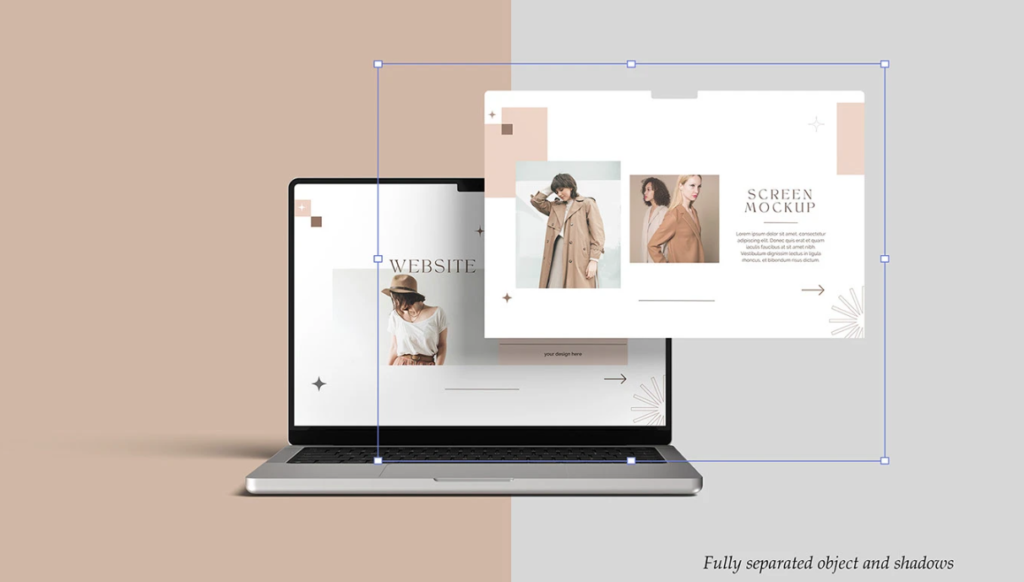
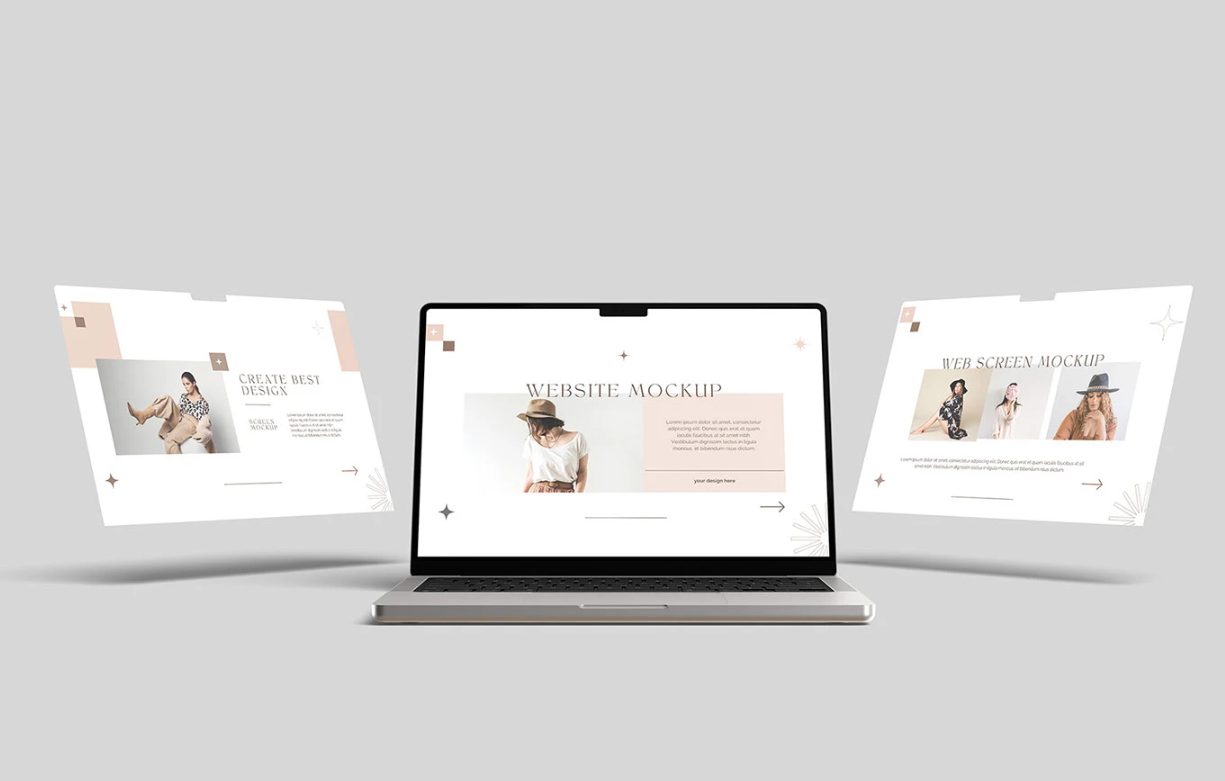
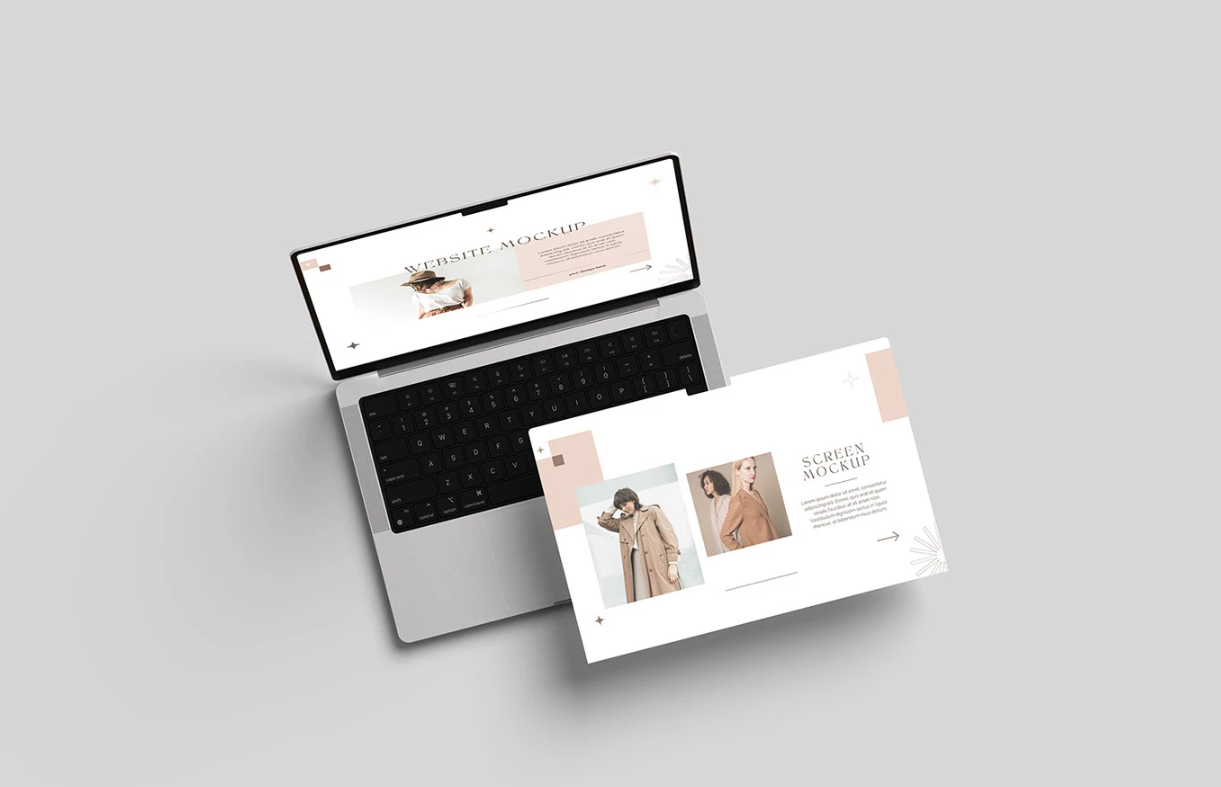
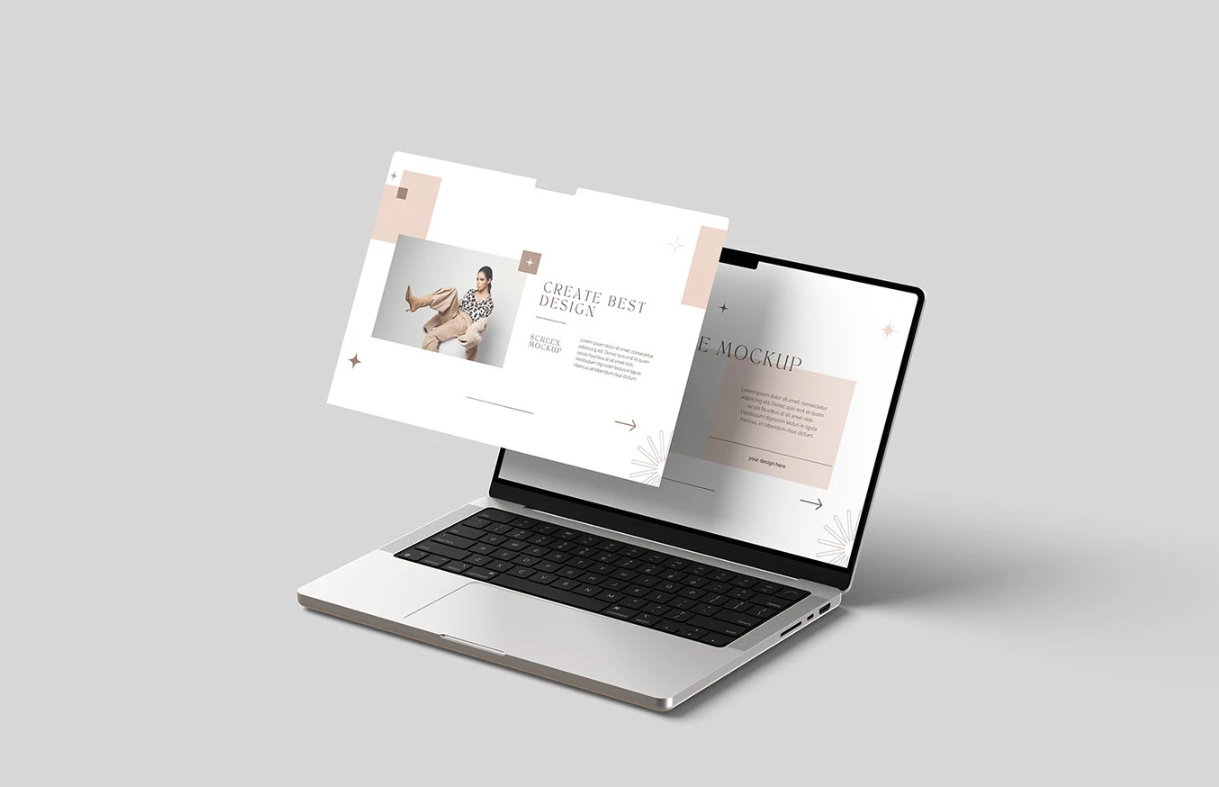
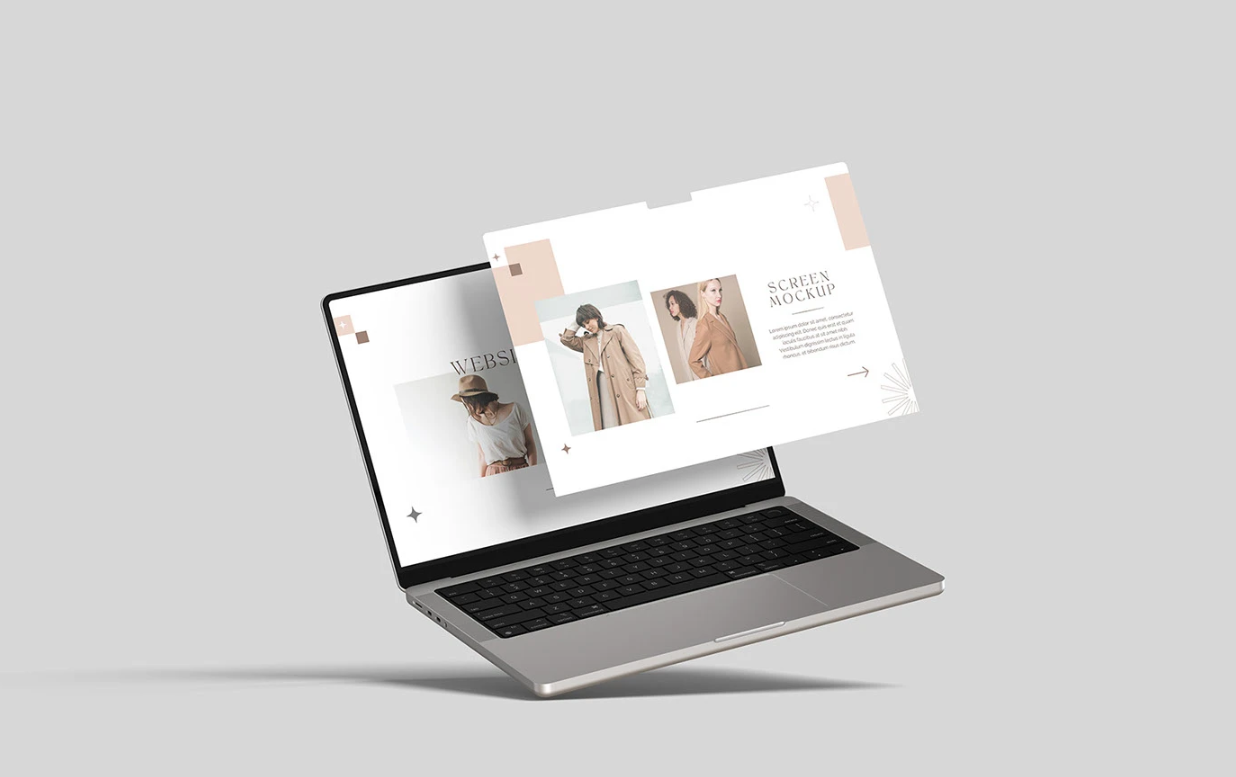
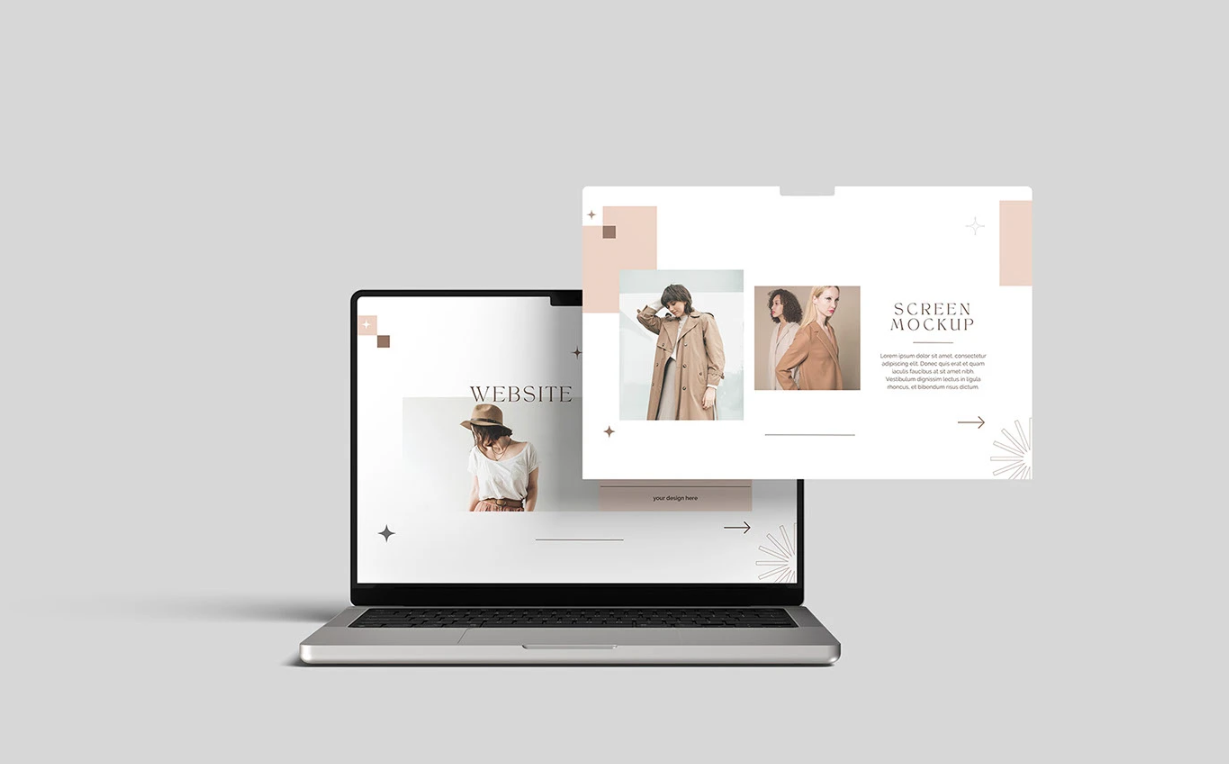
This mockup also offers flexible customization options. The organized layers make it easy to move elements adjust highlights and specular reflections or change the background. You can choose a solid color a transparent background or leave the default scene giving you full control to match your branding and presentation style. A PDF guide file is included to assist you with the editing workflow ensuring even beginners can achieve professional results.
This Laptop Screen Website Mockup is an essential tool for designers looking to present digital work professionally whether for portfolio displays client approvals marketing presentations or social media showcases. Its realistic style high resolution and flexible customization make it a versatile asset for any digital designer.
- High resolution: 4500 × 3000 pixels 300 dpi
- Smart Object size: 3024 × 1964 pixels
- 12 PSD files for multiple scenes and variations
- Easy to edit via Smart Objects (double click paste save)
- Well-organized and moveable layers
- Specular/highlight adjustments for realistic effects
- Supports transparent backgrounds or solid color backgrounds
- PDF guide file included for smooth editing