
Showcase your digital designs in a sleek and professional way with the Free MacBook Mockup. This high quality mockup is specially created for UI/UX designers web designers app developers and creative professionals who want to present their work on one of the most iconic and recognizable devices available the MacBook. Presenting your designs on a realistic device screen helps viewers better understand how your website application or interface will appear in real world usage.
Instead of displaying your designs as simple screenshots this MacBook mockup allows you to place your work inside a photorealistic MacBook scene giving your presentation a polished and professional appearance. Whether you are showcasing a website layout mobile app interface dashboard design or digital product this mockup helps bring your project to life in a visually engaging way.
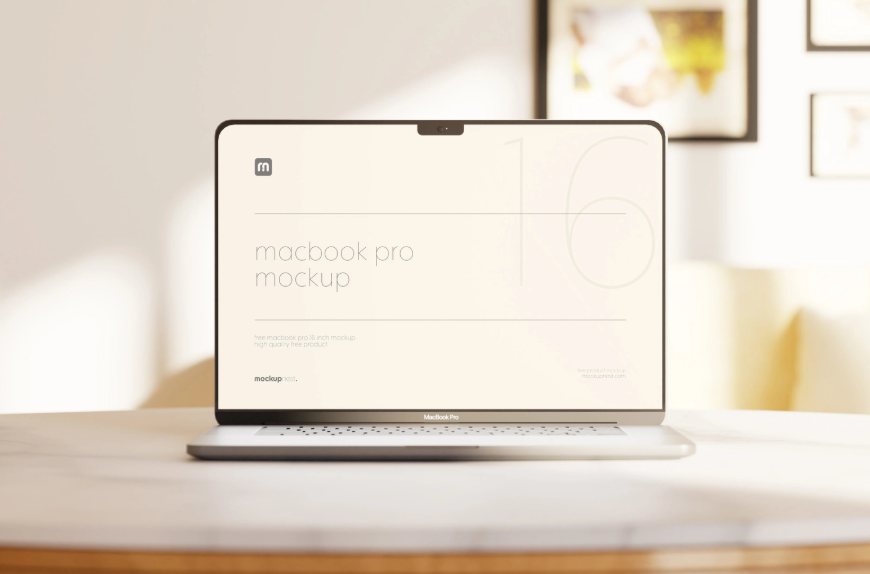
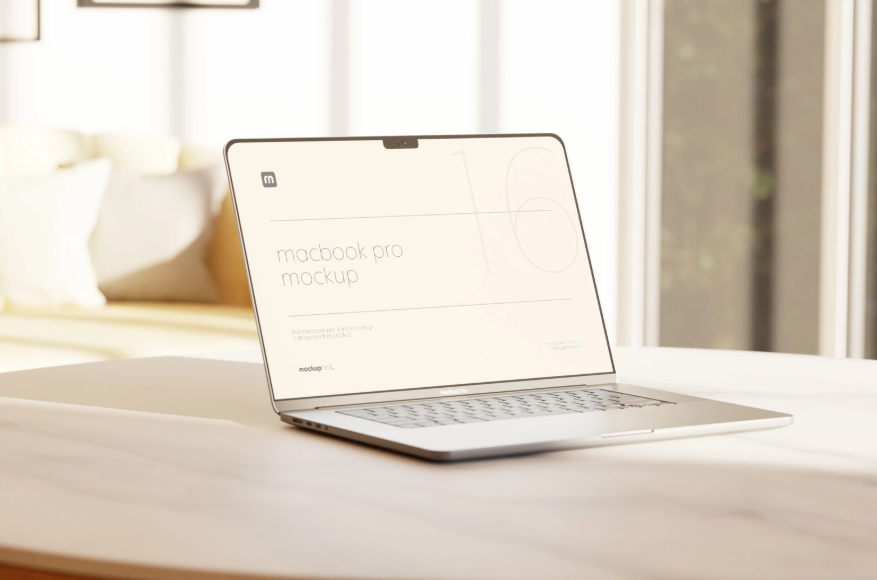
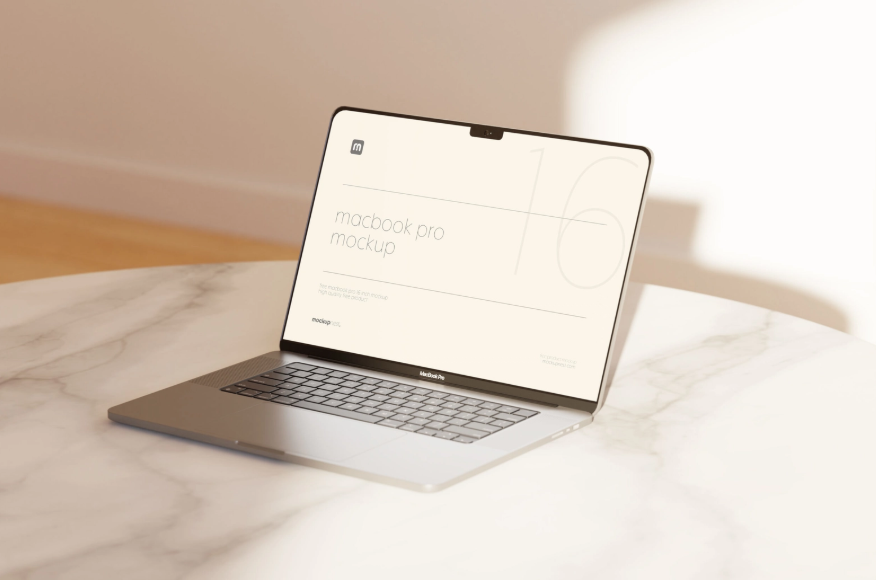
One of the most impressive features of this mockup is its ultra high resolution of 4500 × 3000 pixels. This large resolution ensures that every element of your design appears crisp sharp and highly detailed. High resolution mockups are essential for professional presentations because they maintain the quality of UI elements such as icons typography buttons and graphics. This makes the mockup perfect for design portfolios client presentations marketing materials websites and social media posts.
The mockup package includes three unique photorealistic scenes allowing you to present your design from different angles and perspectives. These multiple scenes give designers more flexibility when creating presentations and help keep the visuals dynamic and engaging. Whether you prefer a minimal desktop setup a clean workspace environment or a focused screen display these scene variations allow you to highlight your designs effectively.
Another advantage of this mockup is its ease of use. The PSD files are designed to work seamlessly with Adobe Photoshop and they include Smart Object layers that allow quick and simple design replacement. To add your design you only need to open the PSD file double click the Smart Object layer insert your artwork or screenshot save the file and the mockup will automatically apply the correct perspective lighting and reflections to your design. This feature makes the editing process extremely fast and convenient even for beginners.
The photorealistic details in the mockup including lighting reflections and shadows create a natural environment that makes the MacBook appear like a real photographed device. This realism enhances the overall presentation and helps your designs stand out when viewed by clients or audiences.