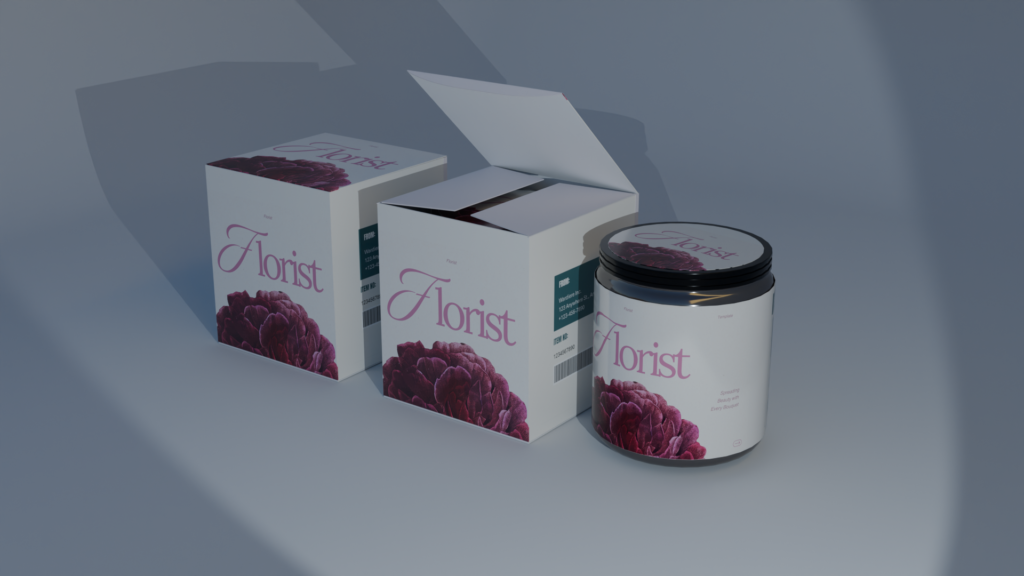
Present your packaging concepts with a realistic and professional finish using this 3D Box and Jar Packaging Mockup. Designed for graphic designers packaging specialists branding agencies and creative professionals this versatile mockup combines box and jar packaging in polished 3D presentation scenes making it easier to visualize how your designs will look as finished products.
The mockup is suitable for a wide range of packaging projects including cosmetics skincare supplements food products beauty products wellness brands personal care items and premium retail packaging. Whether youre developing a new brand identity or preparing a product presentation for a client the realistic materials lighting shadows and product proportions help create an authentic and visually appealing result.
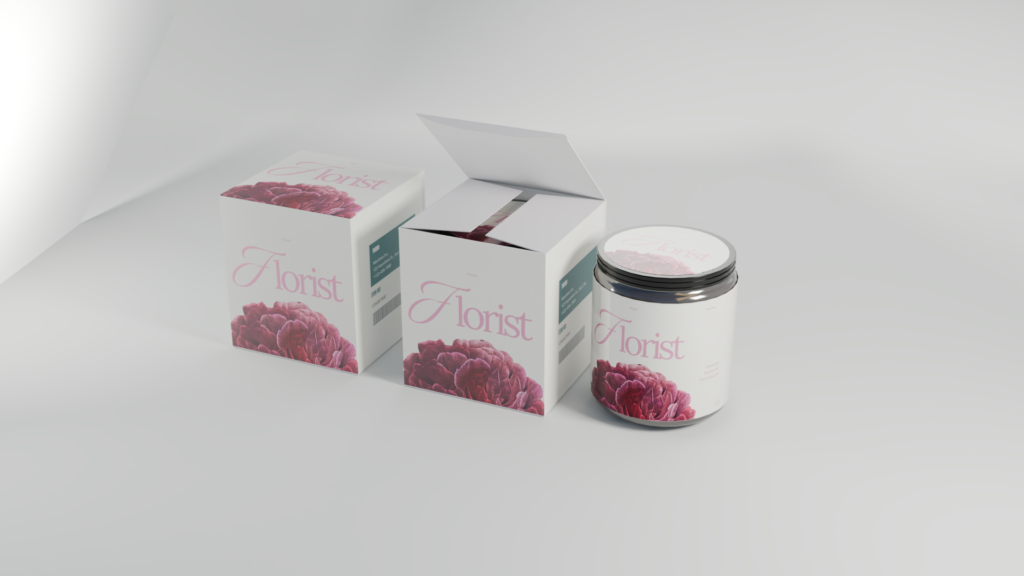
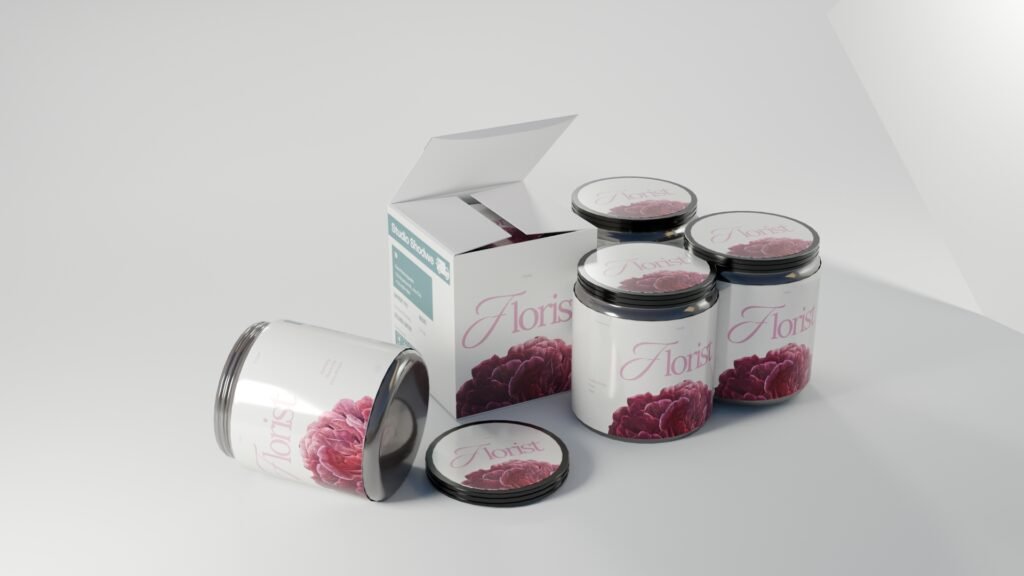
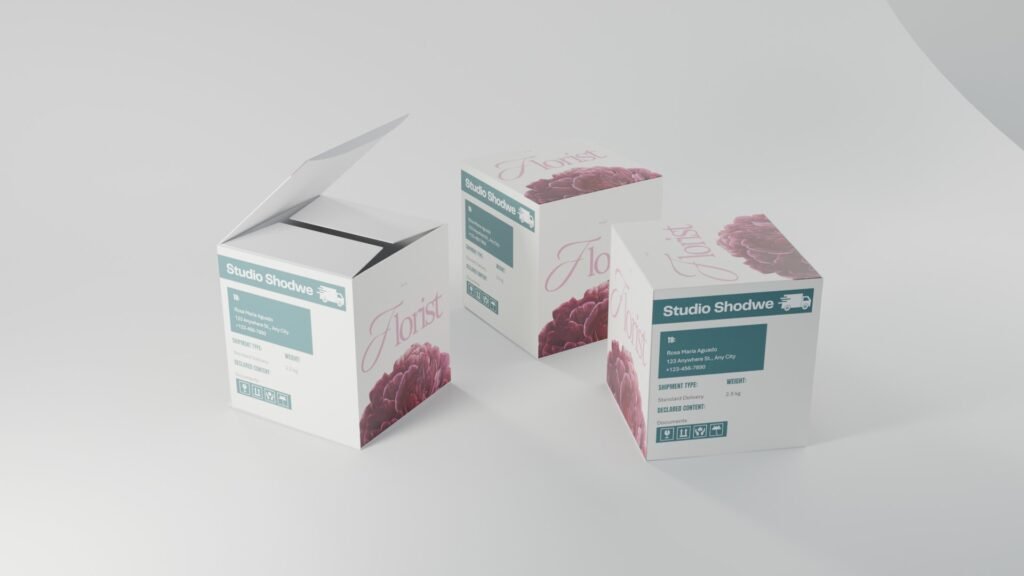
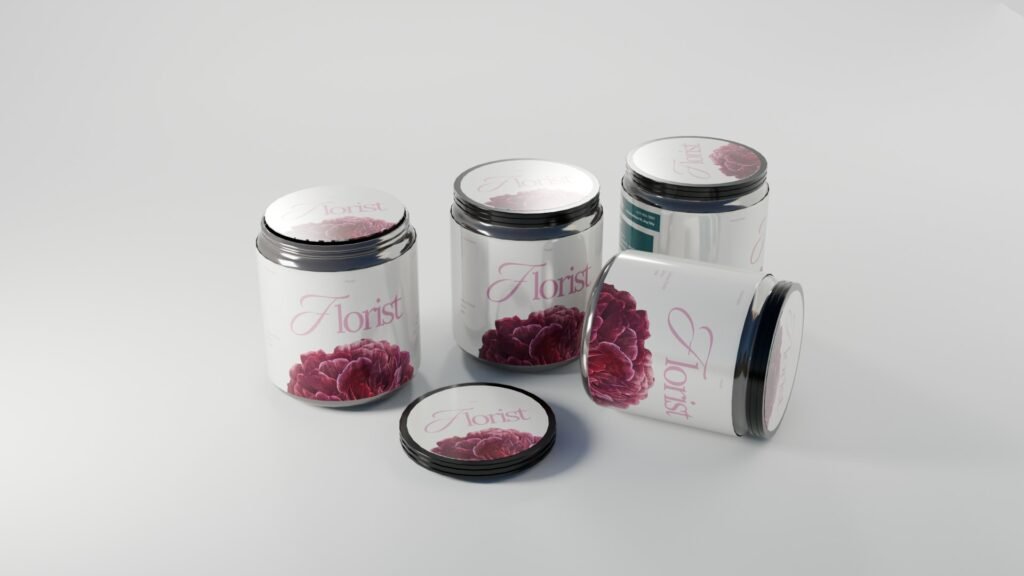
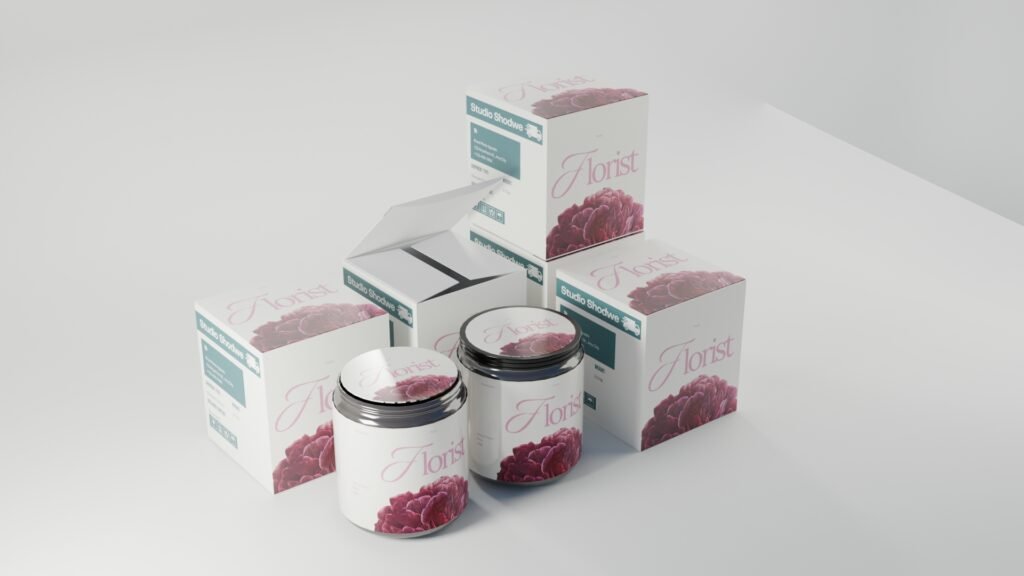
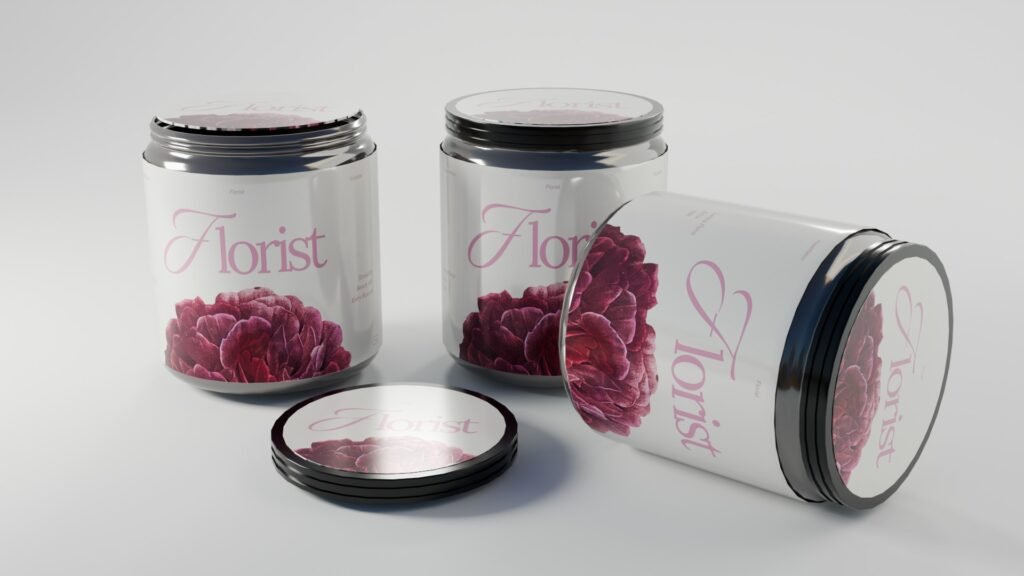
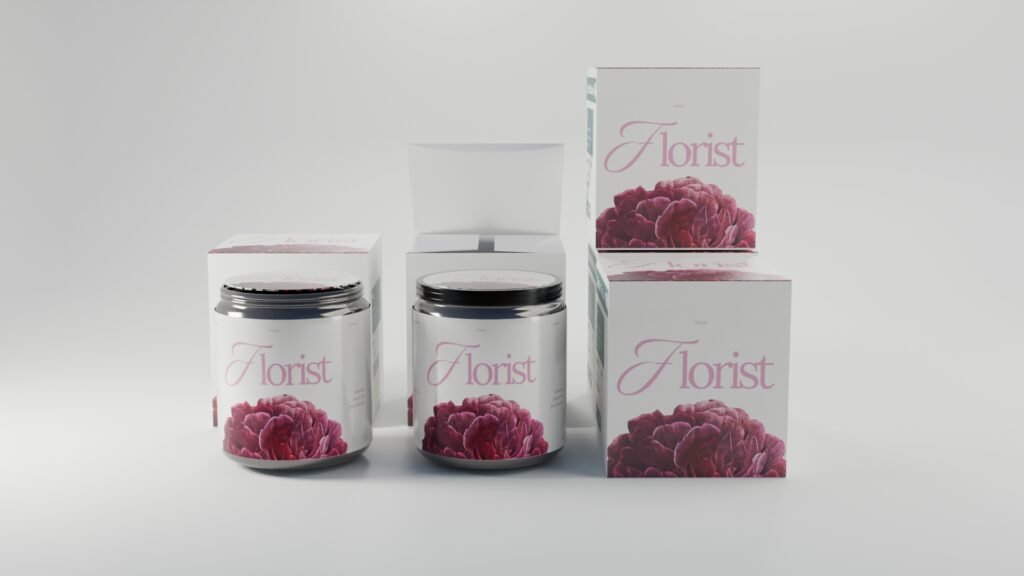
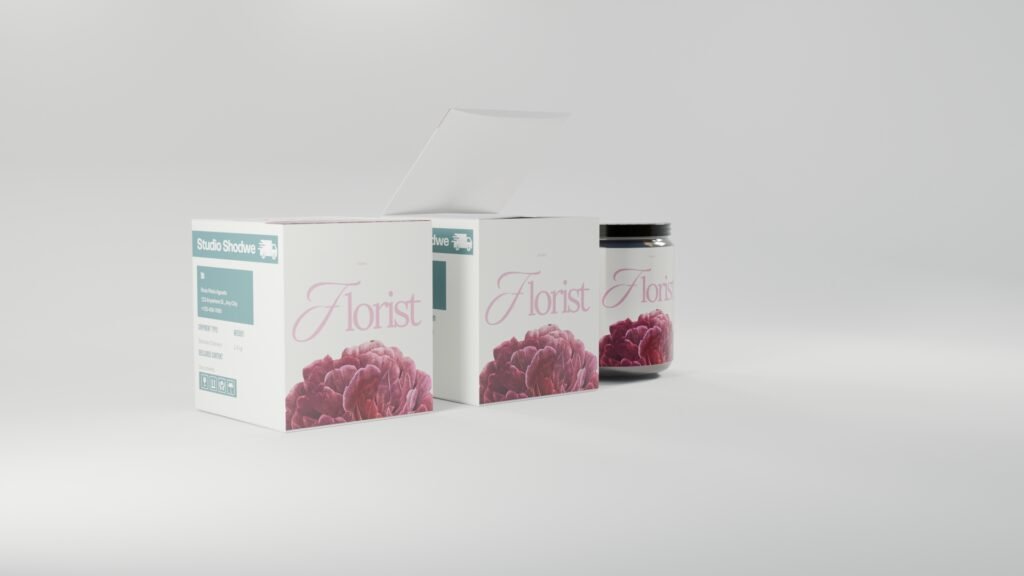
With support for both Blender and Adobe Photoshop the mockup offers flexibility for different design workflows. Blender users can work with the 3D files to customize and refine the product presentation while Photoshop users can use the PSD files for faster artwork placement and visual editing. This makes the resource suitable for both detailed 3D workflows and quick branding presentations.
The box and jar scenes provide an excellent way to showcase logos labels typography colors patterns and complete packaging identities. Designers can create multiple variations to compare different branding directions or prepare visuals for product launches ecommerce stores advertising campaigns and social media content.
The realistic 3D presentation also makes this mockup particularly useful for portfolio case studies and client presentations. Instead of displaying flat packaging artwork you can demonstrate how the design translates onto physical product surfaces giving clients a clearer understanding of the final result.
Whether youre creating a minimal skincare identity premium cosmetic packaging supplement brand food product or luxury retail concept the 3D Box and Jar Packaging Mockup provides a polished environment to bring your packaging artwork to life. Its combination of Blender flexibility and Photoshop convenience makes it a valuable resource for modern packaging and branding workflows.
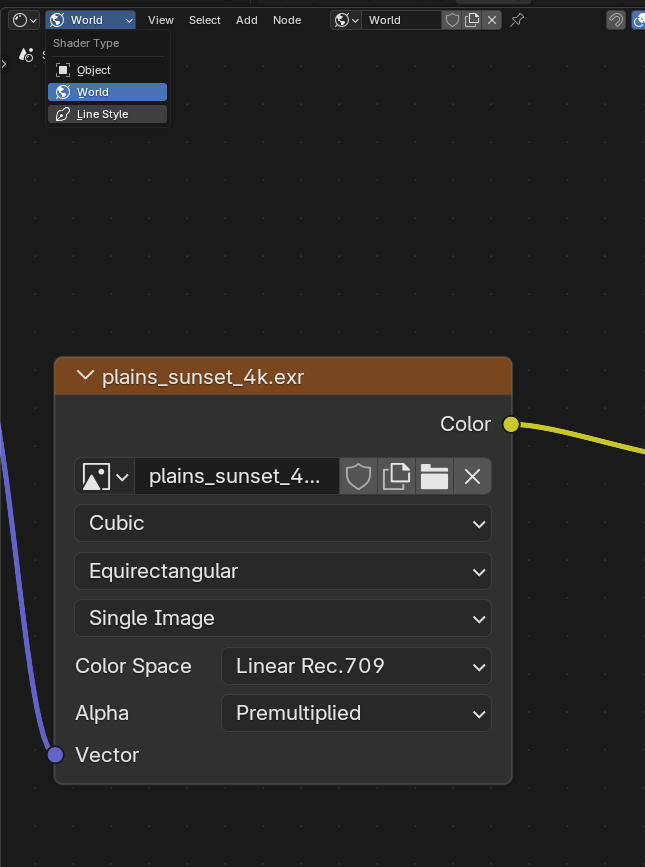
Upload Here
Download Blender Free from here.
First Select The Label for Box Side
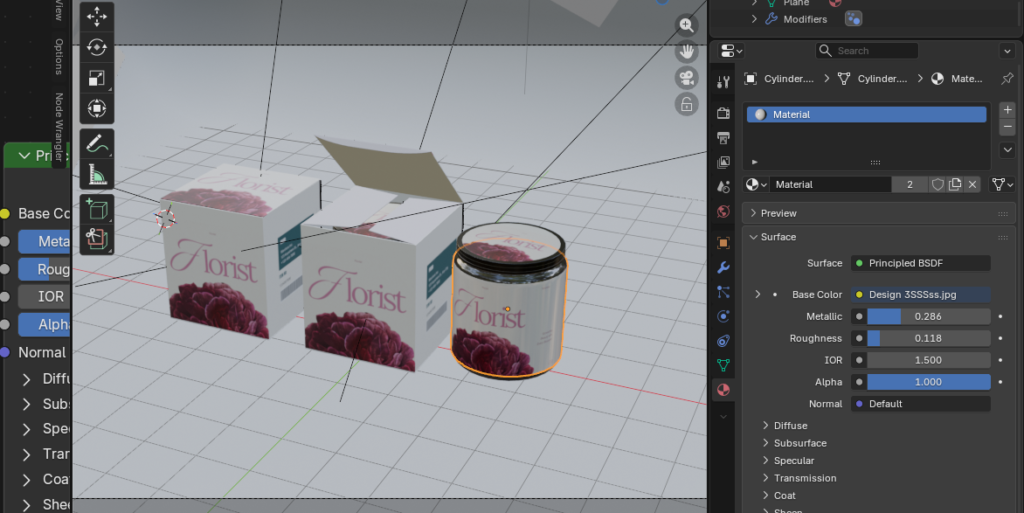
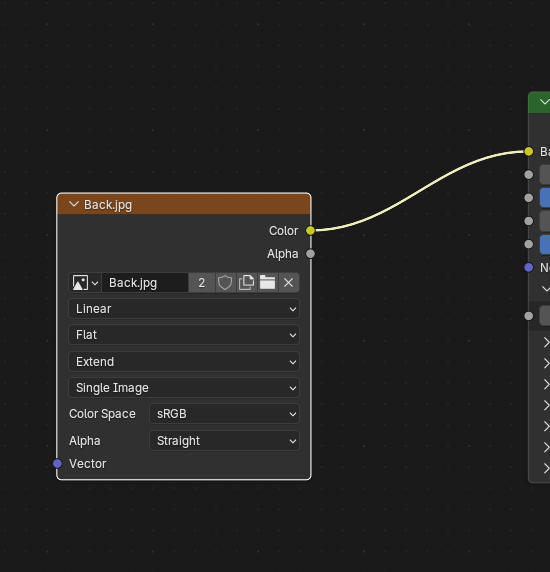
Second Just Upload The Design Here
Upload New Image According to the PSD Size which we have provided.
For the Top Box Label Only Check If you selected (top)
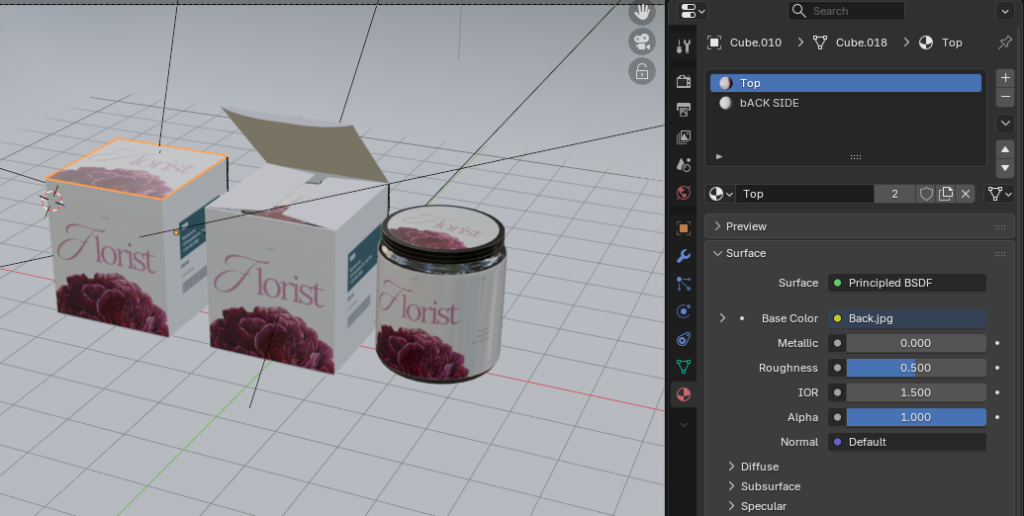
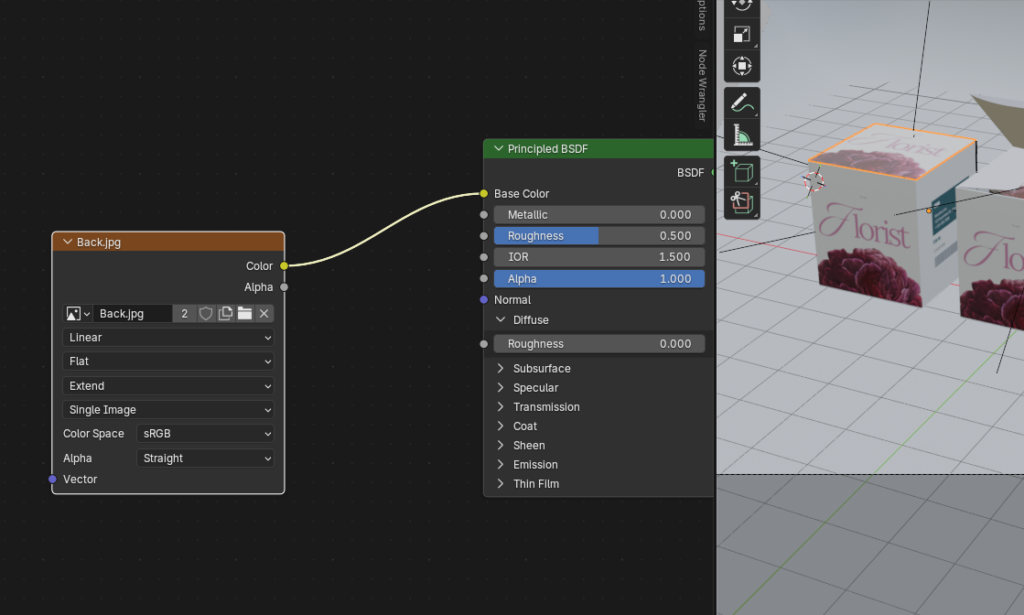
Then change the image.
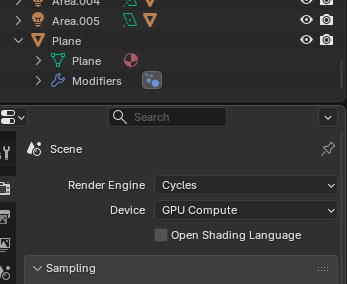
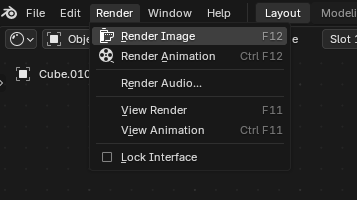
Then after setup Press f12 or click on render
Save Image by Clicking on Image or Shift+Alt+S
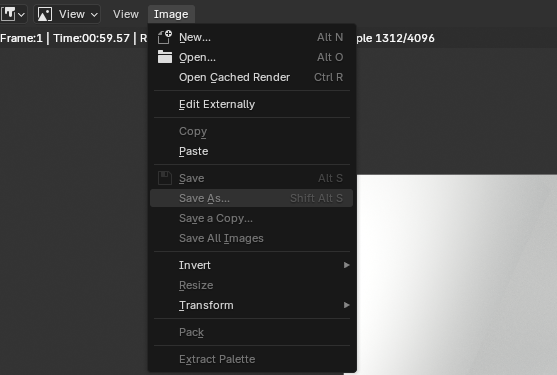
Just use this option Before Rendering Image