Present your packaging designs professionally with this Free Box Mockup created in Blender with 10 different scenes and camera angles.
The mockup features a clean minimal packaging style that is perfect for branding cosmetics skincare food wellness and product packaging presentations.
The included Blender file is completely editable allowing you to change the box design materials colors lighting camera and background.
With 10 ready to use scenes you can showcase your packaging from different perspectives without creating every setup from scratch.
The realistic lighting and soft shadows give the box a premium studio rendered appearance.
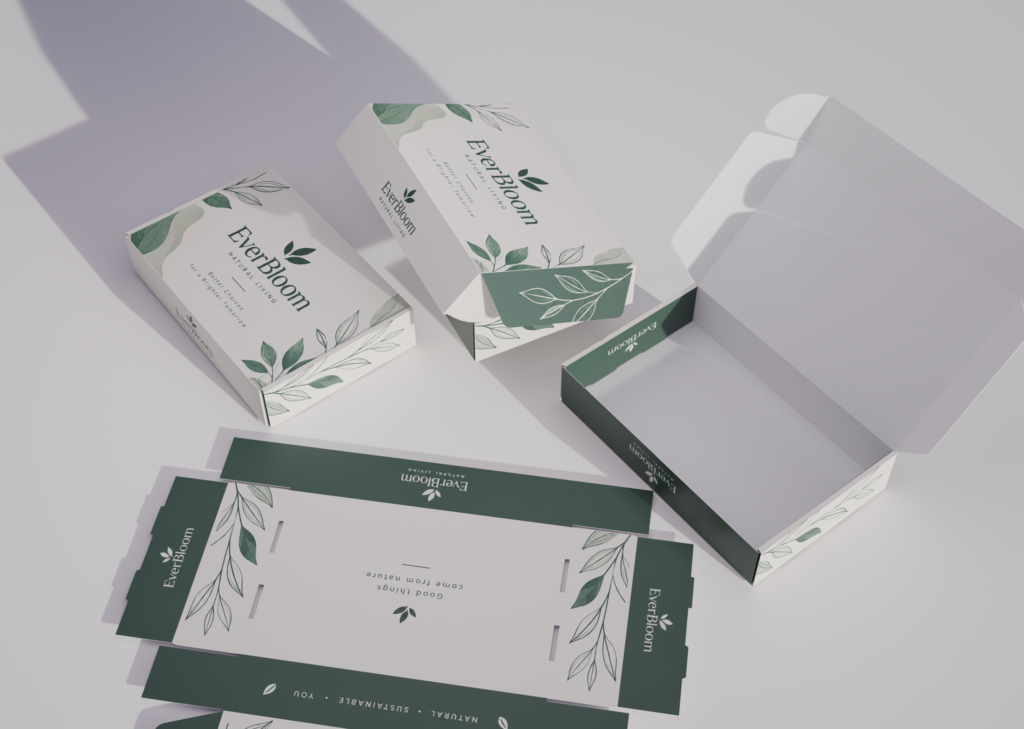
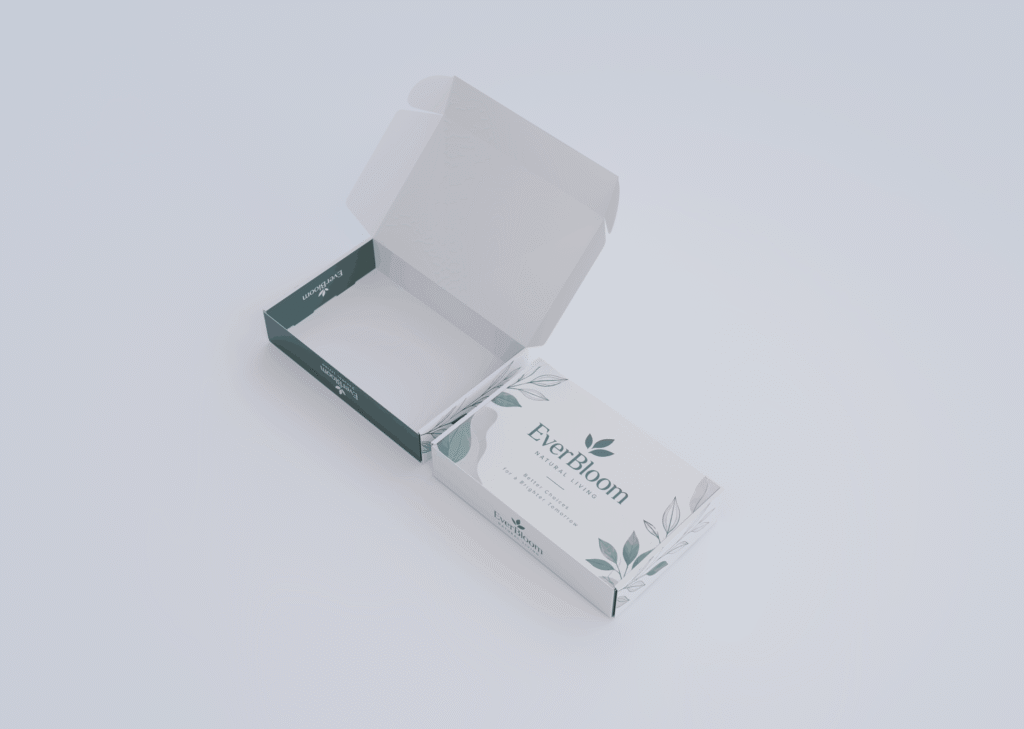
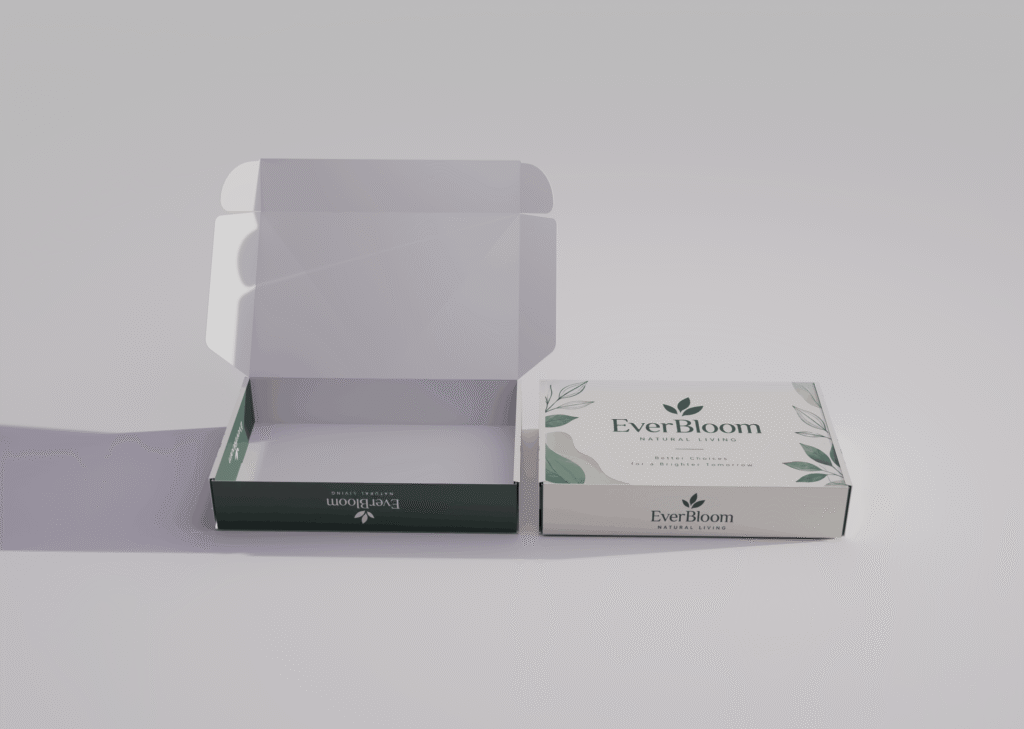
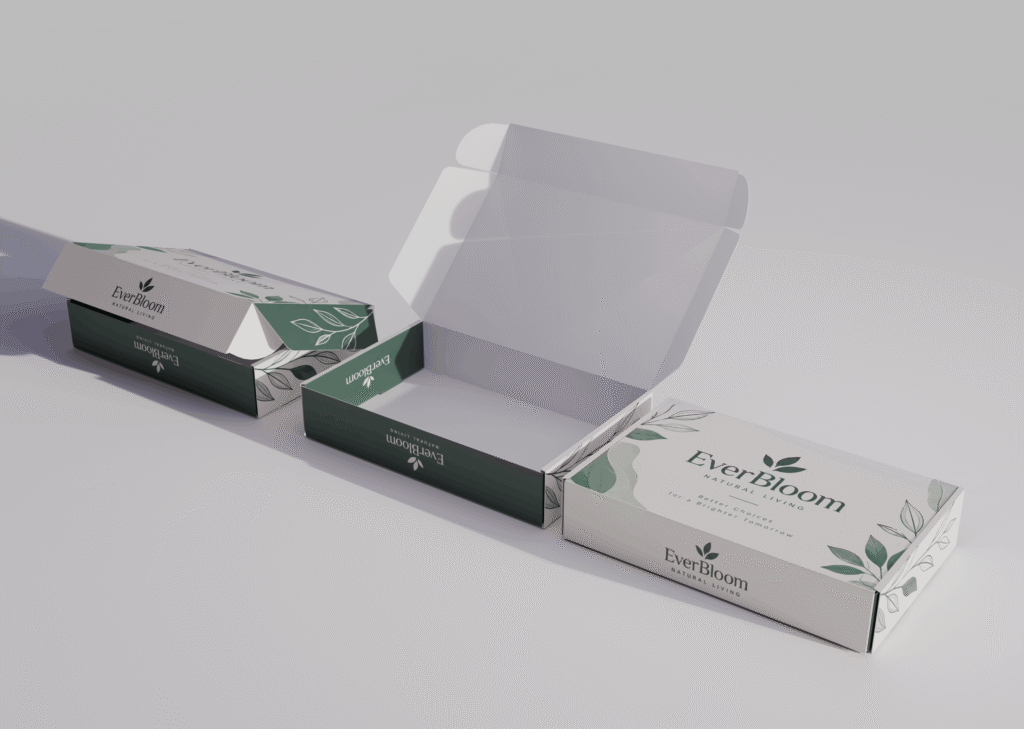
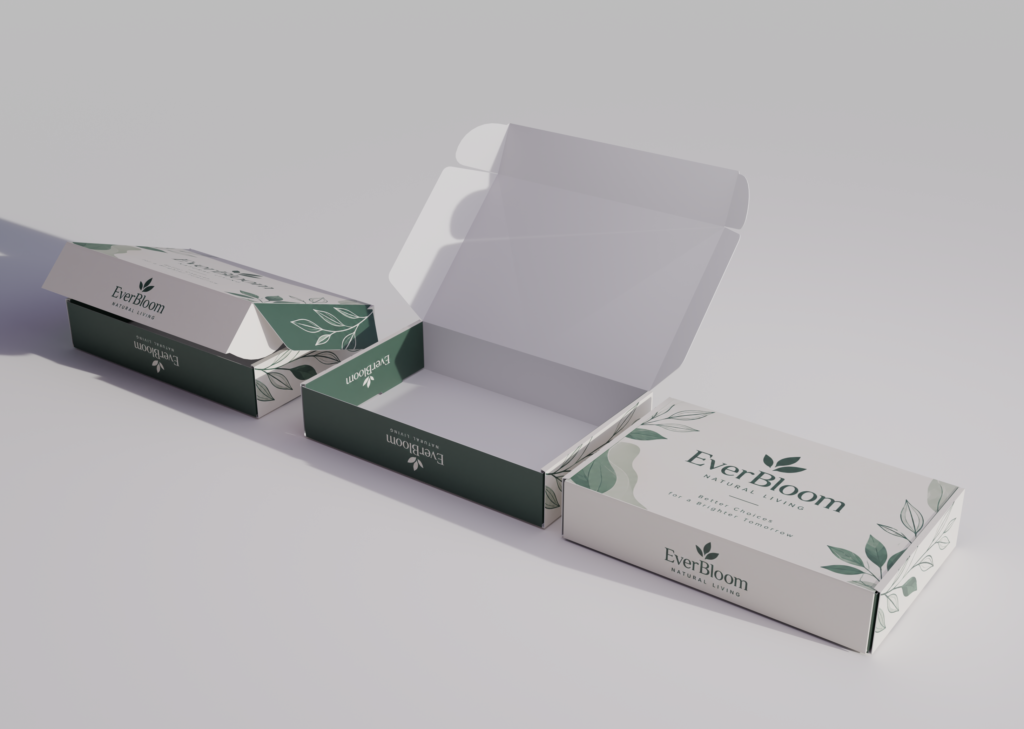
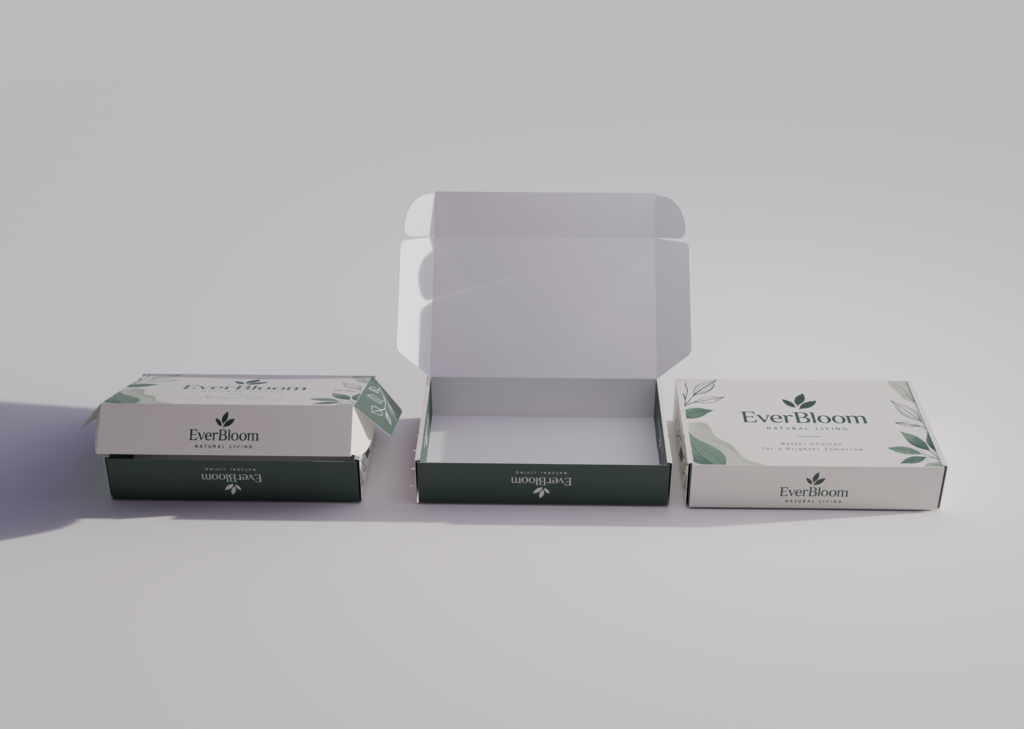
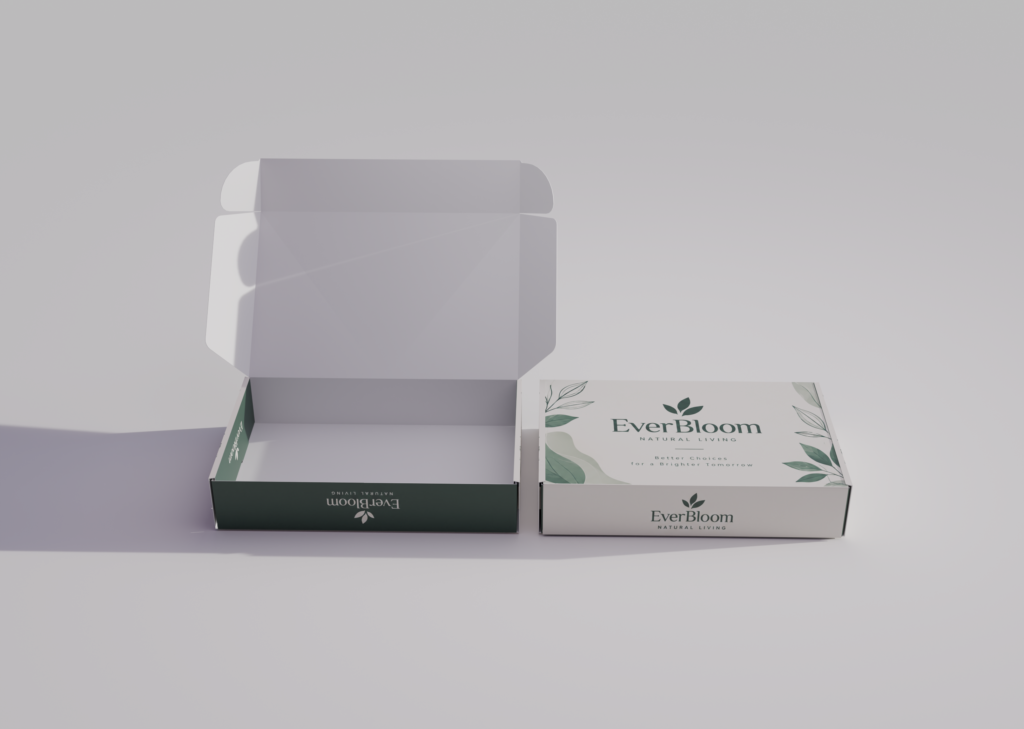
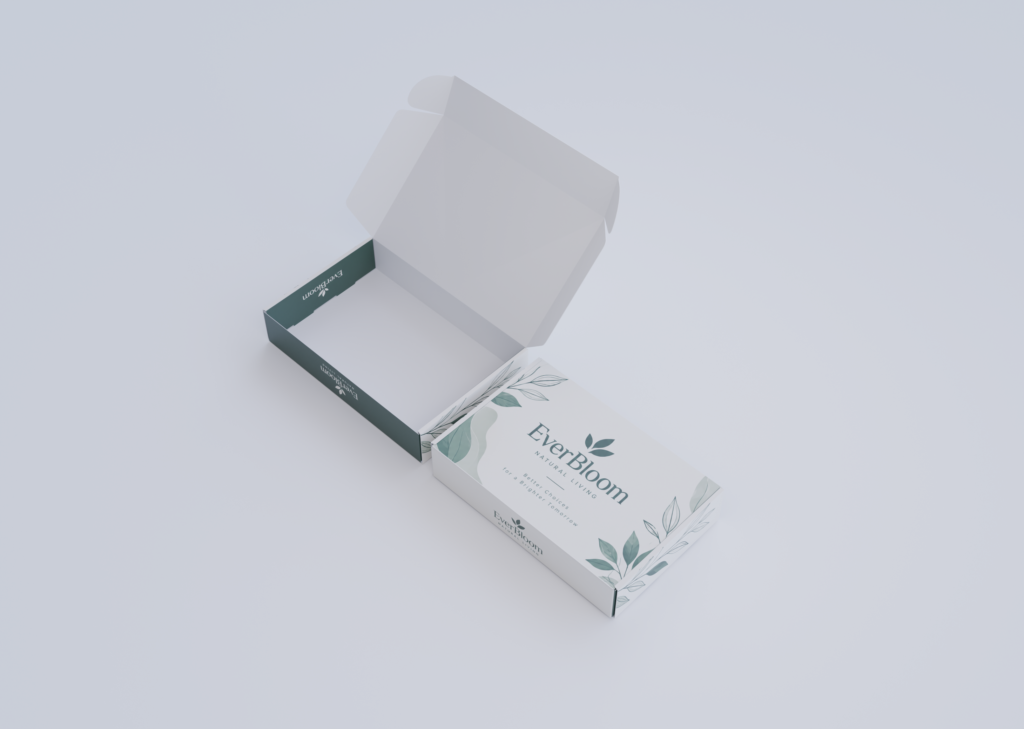
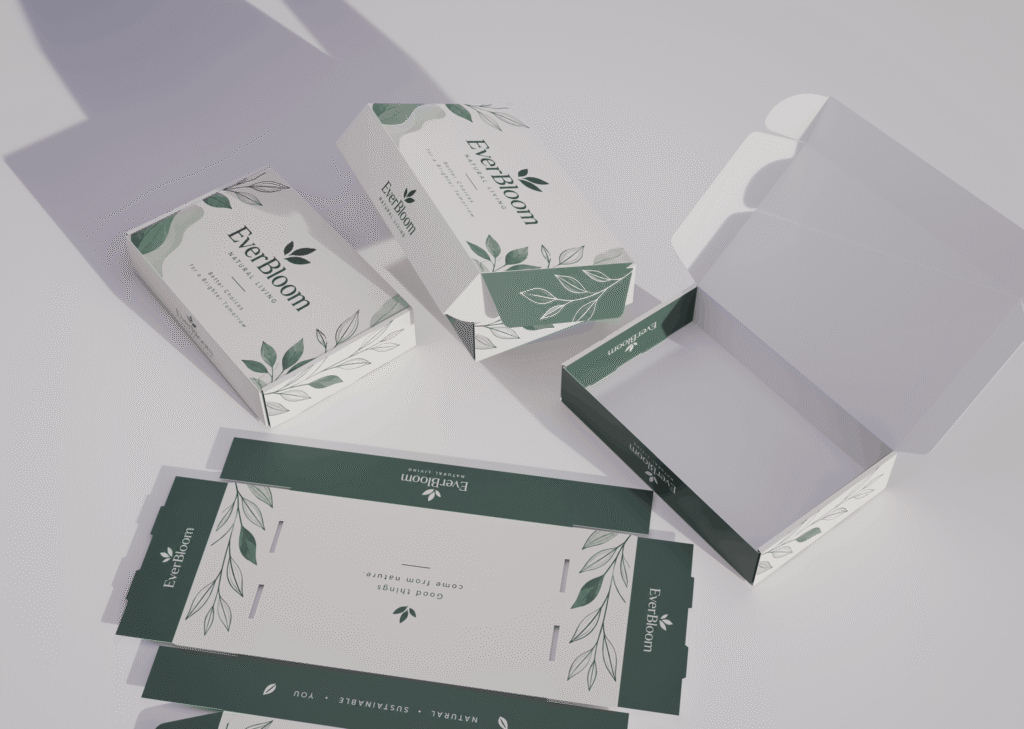
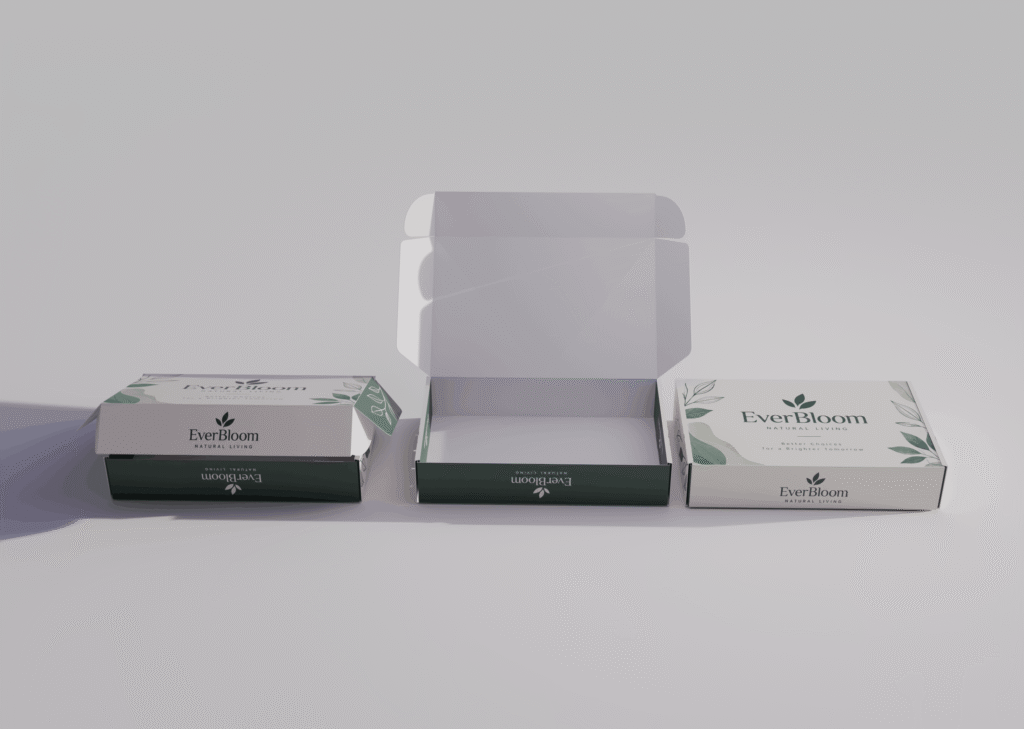
You can easily replace the existing artwork with your own design and create a professional packaging presentation within minutes.
The mockup is rendered at 2920 × 2080 pixels providing high resolution output for websites portfolios marketplaces and promotional presentations.
For Photoshop editing simply import the rendered image and use it as a base for color correction background editing branding typography and final presentation adjustments.
The 2920 × 2080 px canvas is also ideal for creating high quality portfolio mockups while maintaining sharp details and clean edges.
Download this free Blender box mockup customize it with your own artwork render any of the 10 scenes and finish your presentation in Photoshop.
- 10 Blender scenes
- Free Blender file
- editable box model
- Multiple camera angles
- Realistic studio lighting
- Soft natural shadows
- easy artwork replacement
- High resolution 2920 × 2080 px render
- Photoshop friendly workflow
- Perfect for packaging and branding presentations
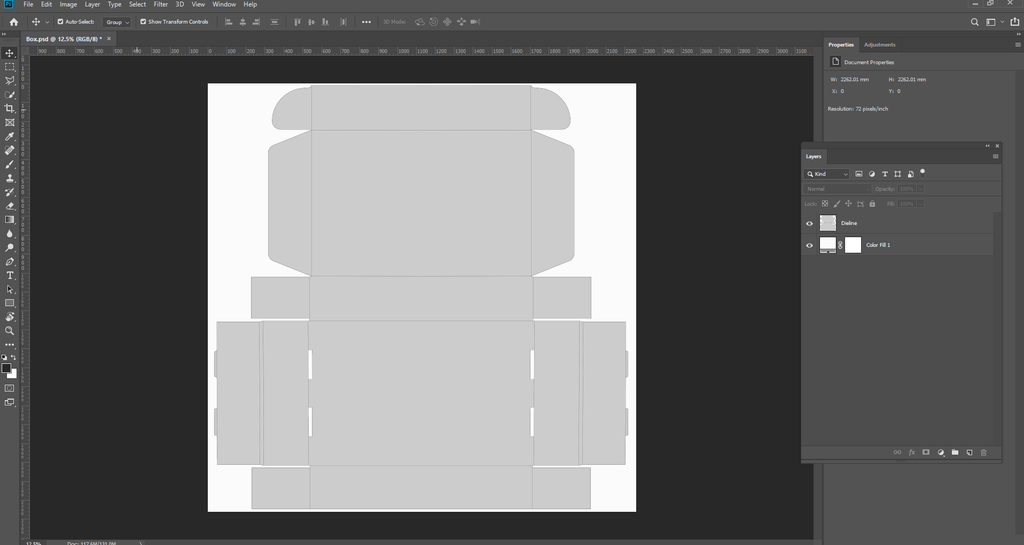
Use this Photoshop File to Setup your Design
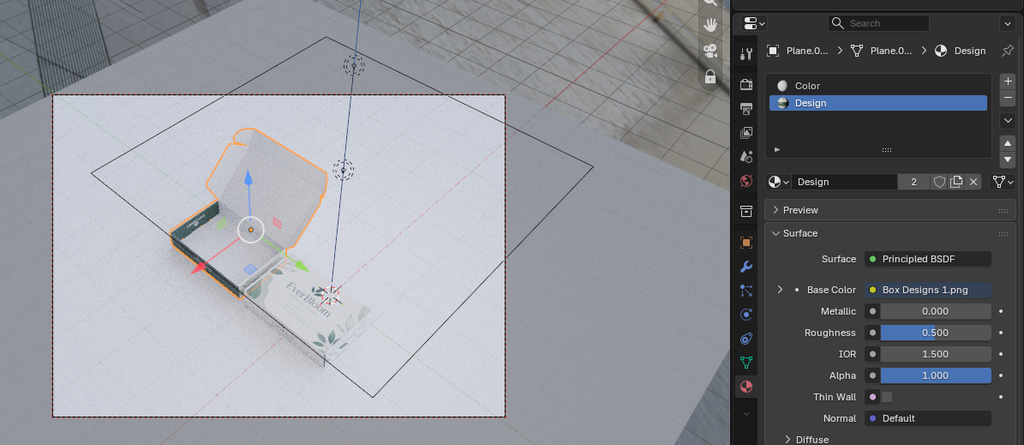
Click on Box Select the Design Option
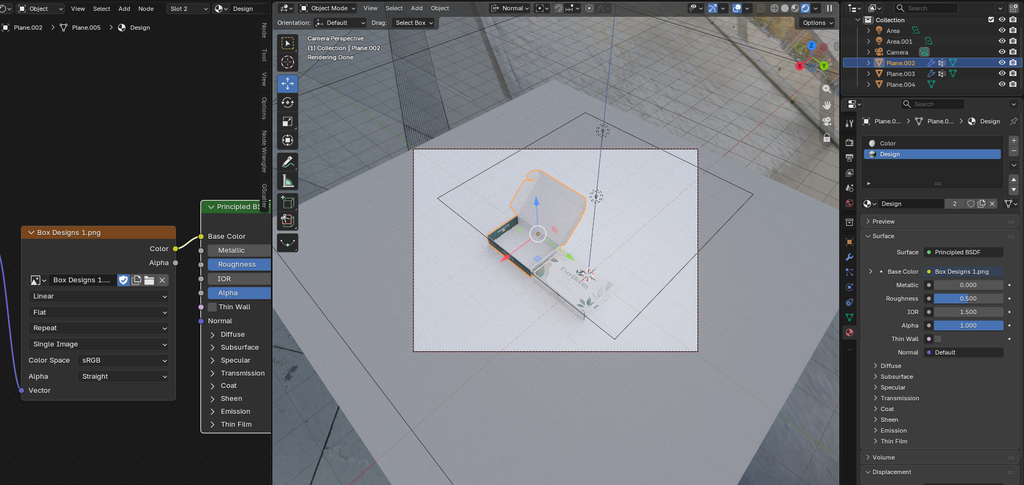
Add Design here
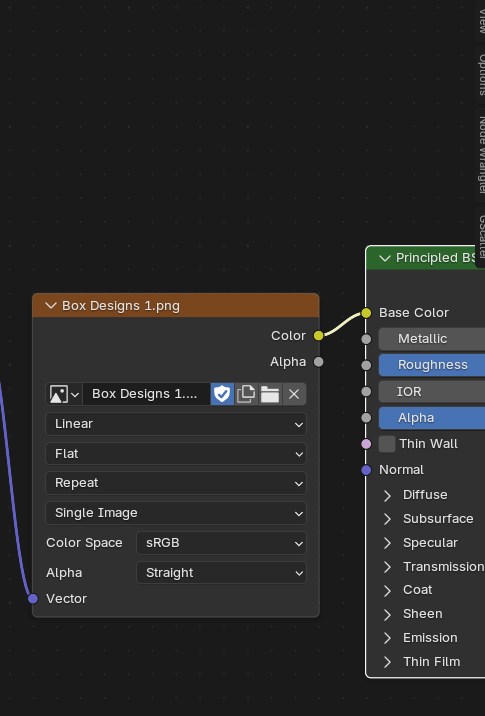
Select the Design for Design option and Color option to change inside color of box
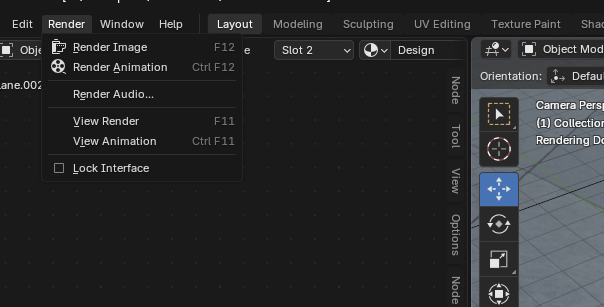
Press F12 to Render the image
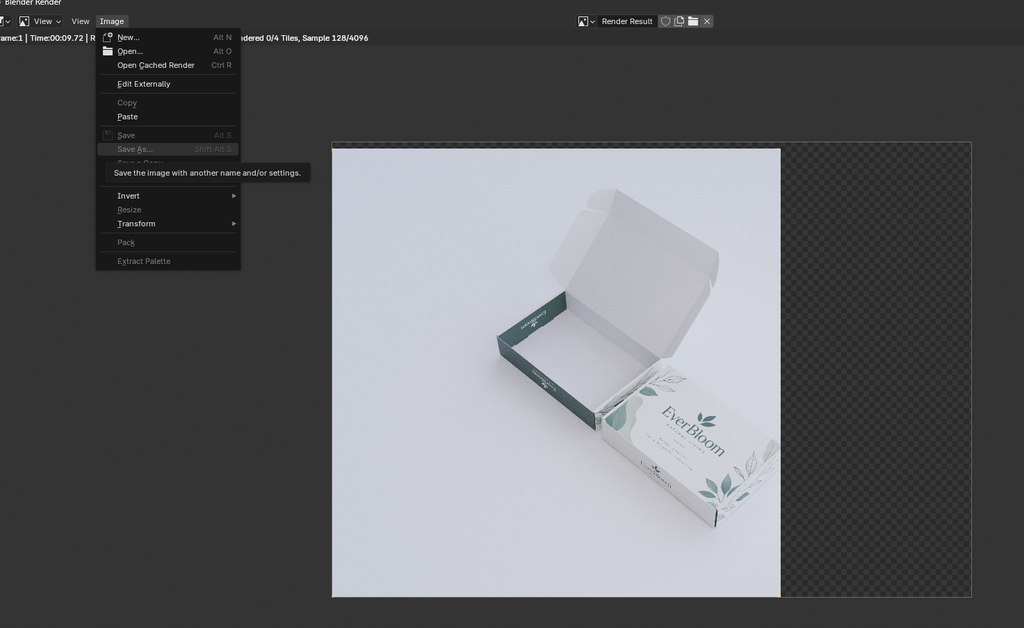
After Image is rendered fully
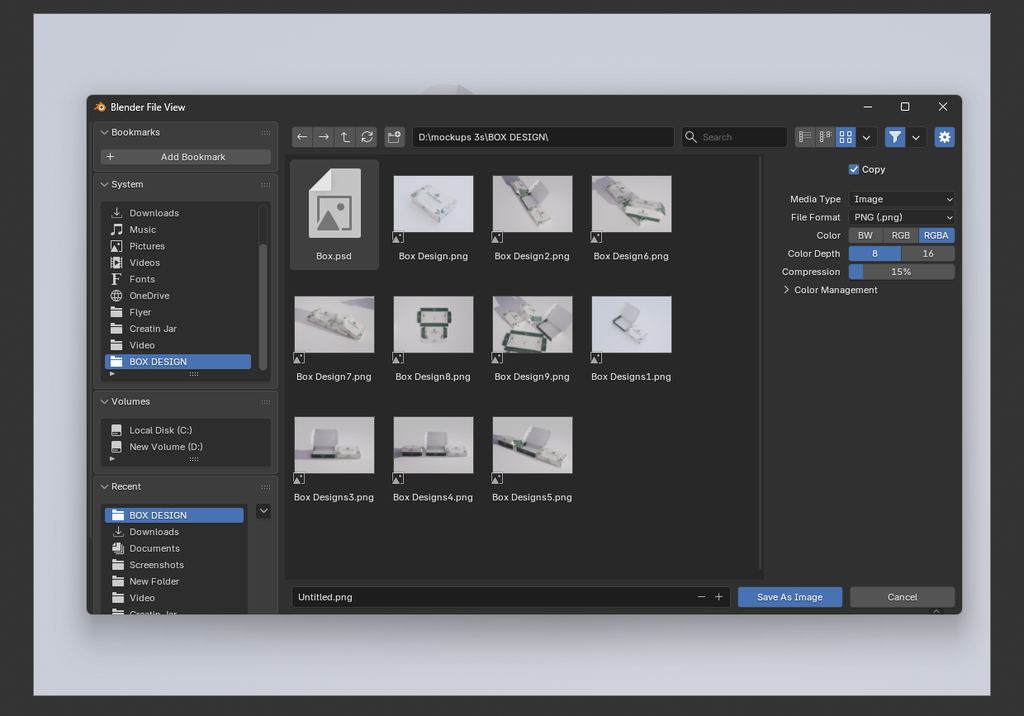
Save image by Shift Alt S
Save image in Png
Use Cycles and GPU
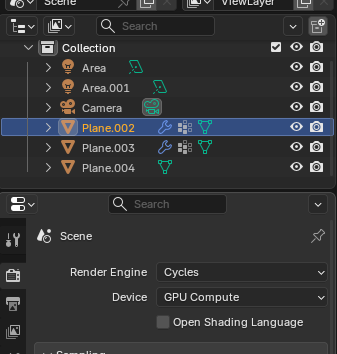
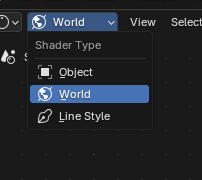
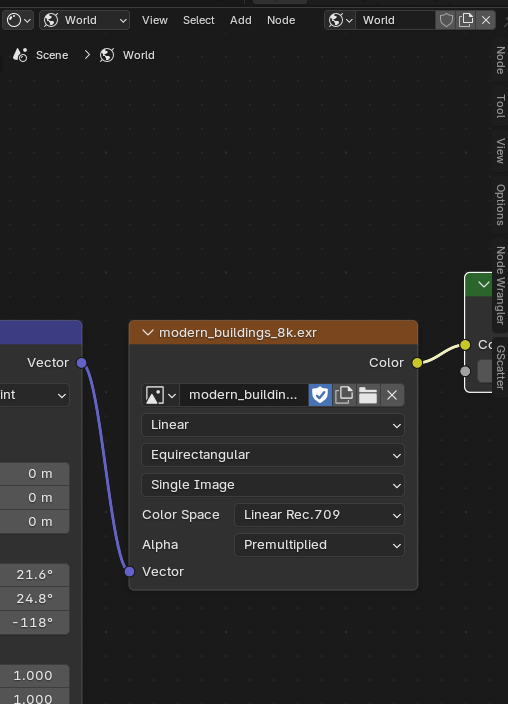
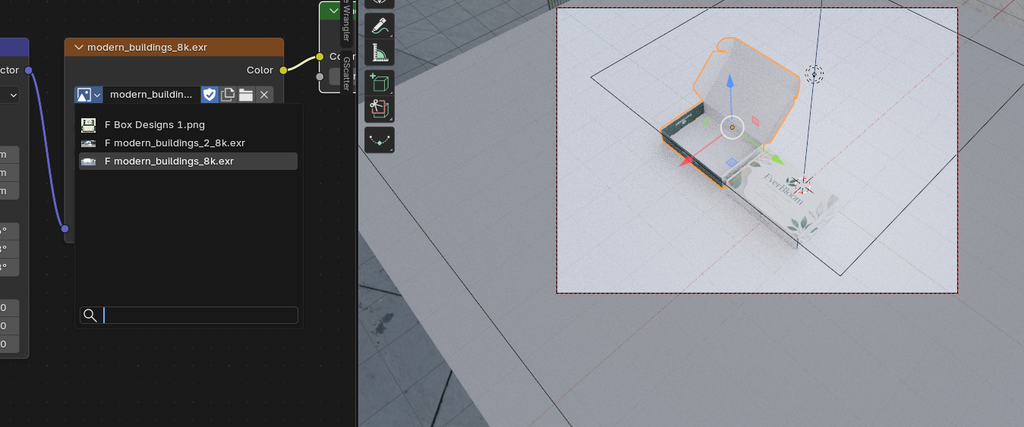
To add HDRI use World option