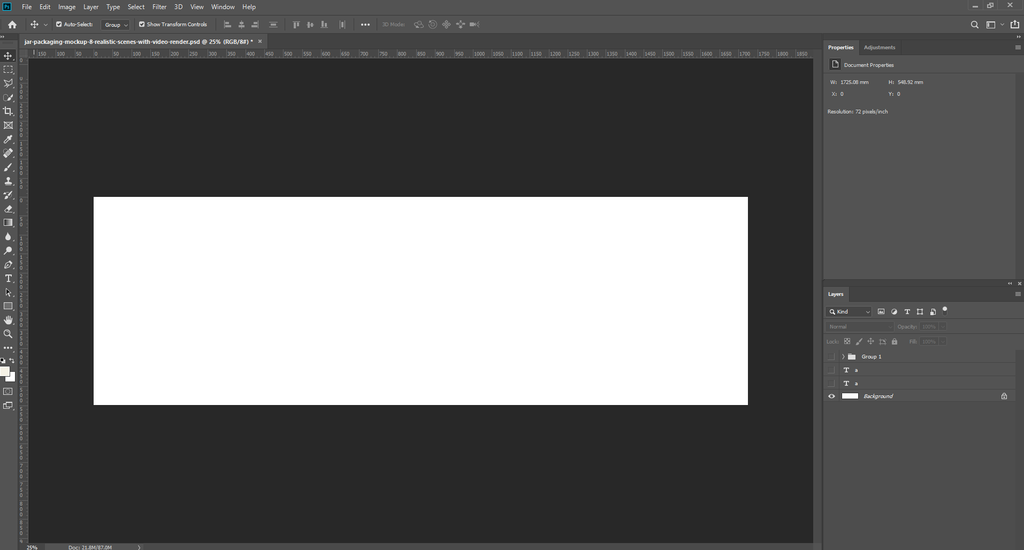
Showcase your product packaging with this Free Jar Mockup featuring 8 realistic scenes designed for professional branding and presentation. The mockup presents a premium jar container with realistic lighting shadows reflections and detailed label wrapping making it easy to visualize your packaging as a finished product.
The scenes include different camera angles and compositions from clean front facing product shots to dynamic close ups and group presentations. These views are perfect for displaying protein powder supplements skincare products cosmetics food products wellness items and personal care packaging.
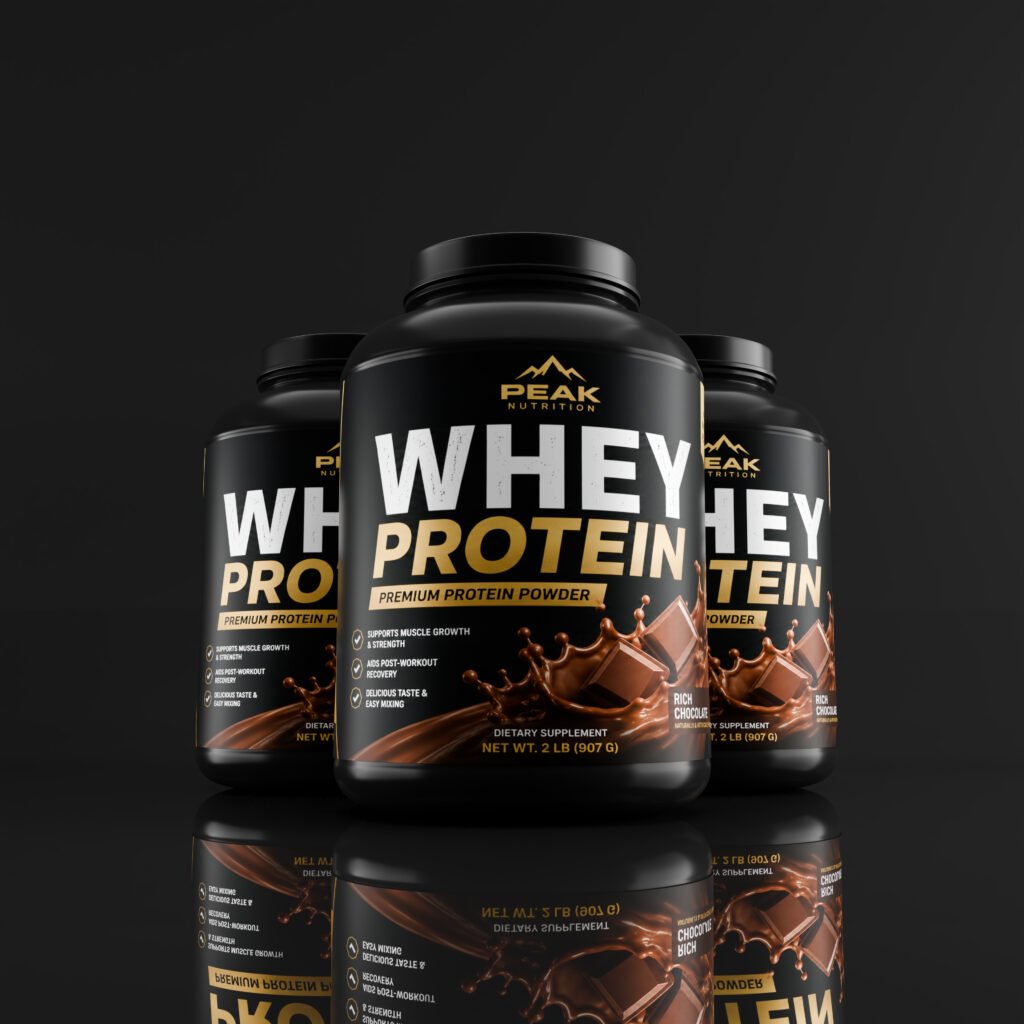
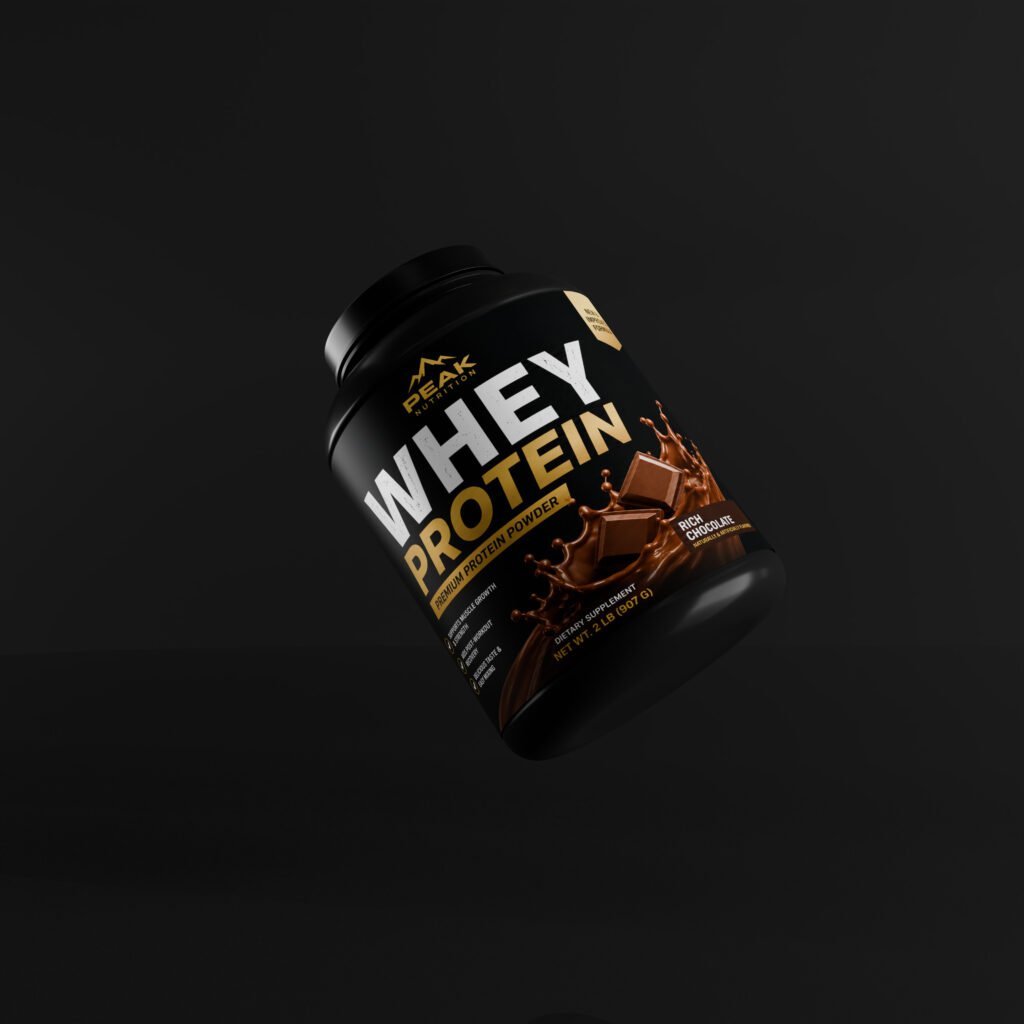
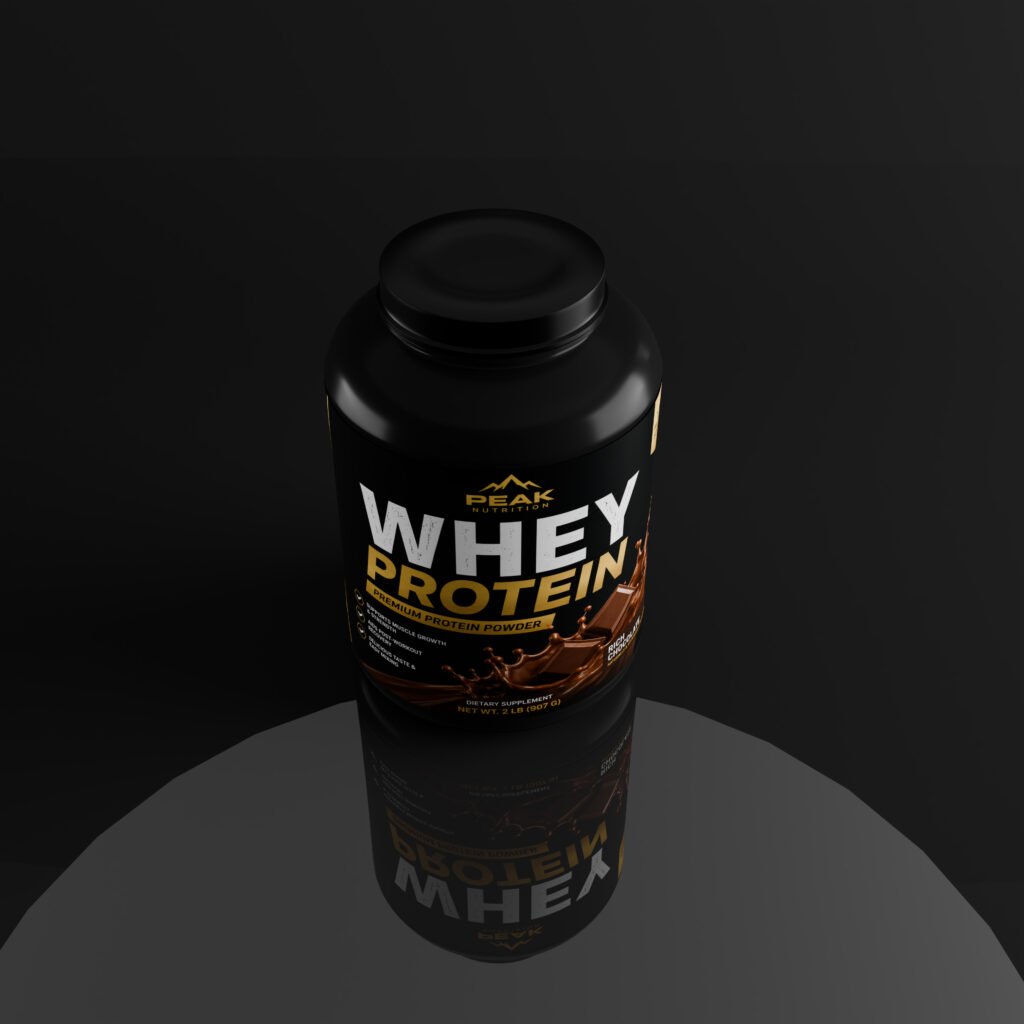
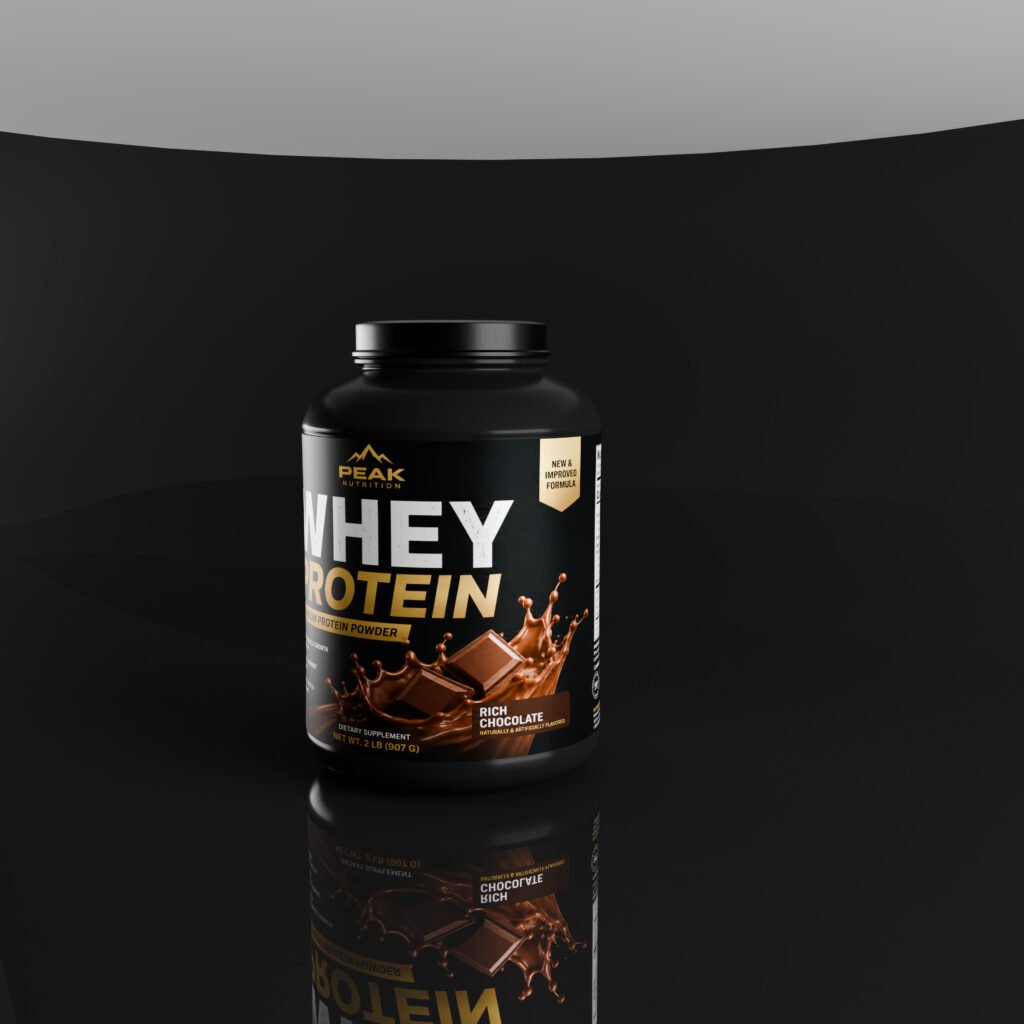
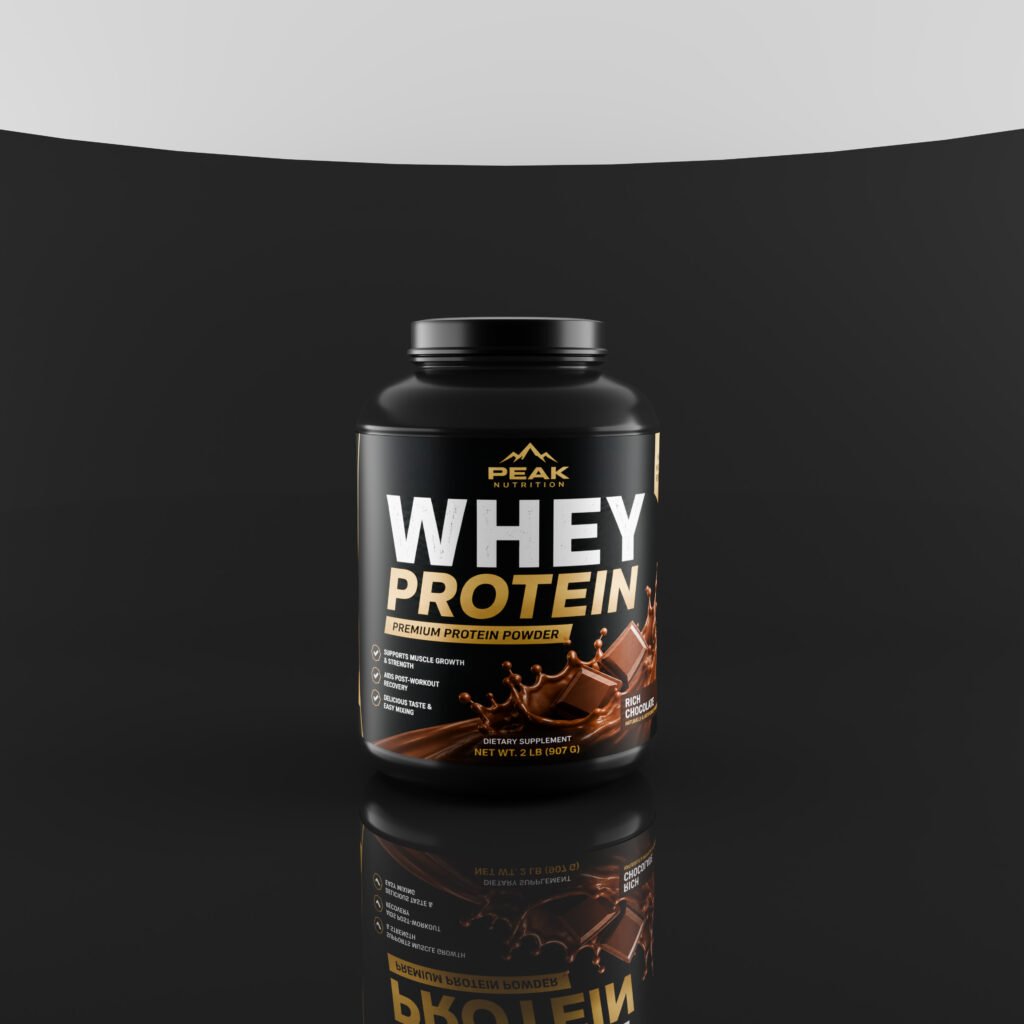
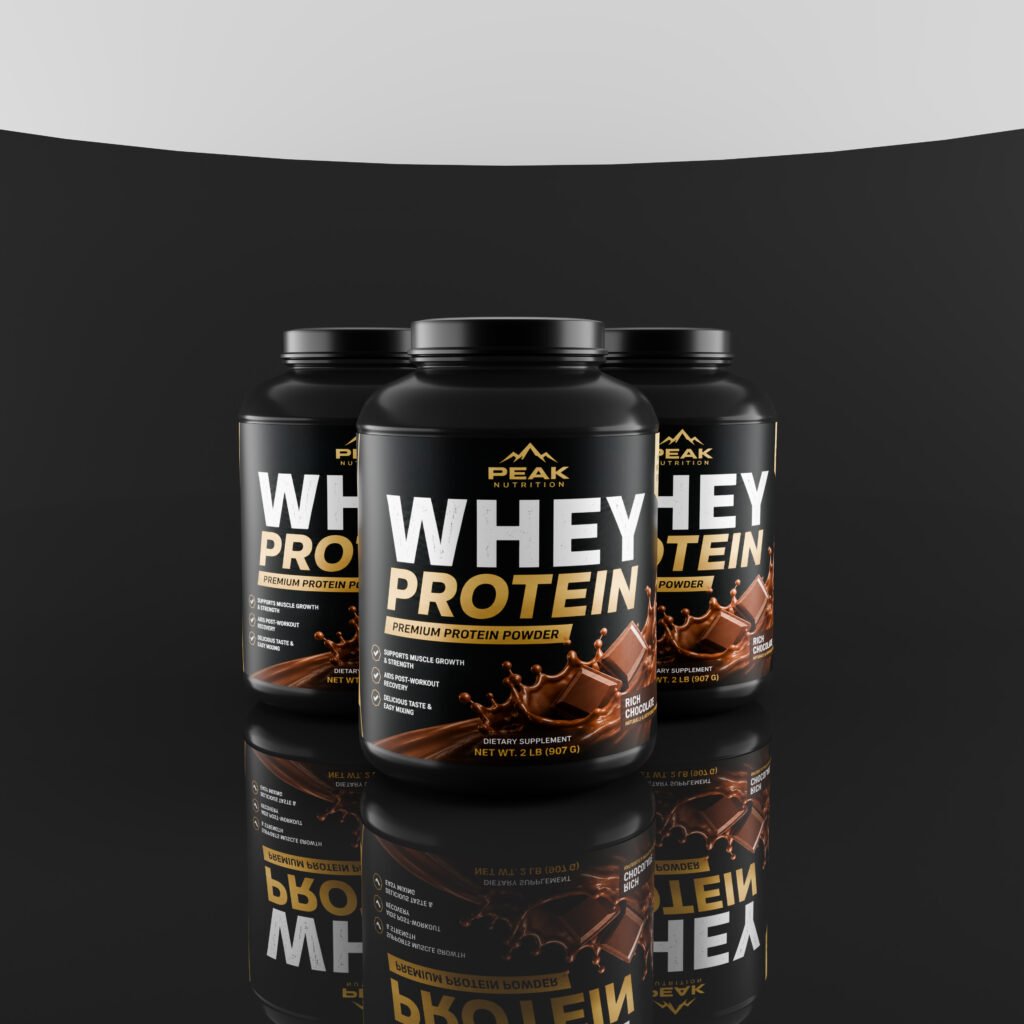
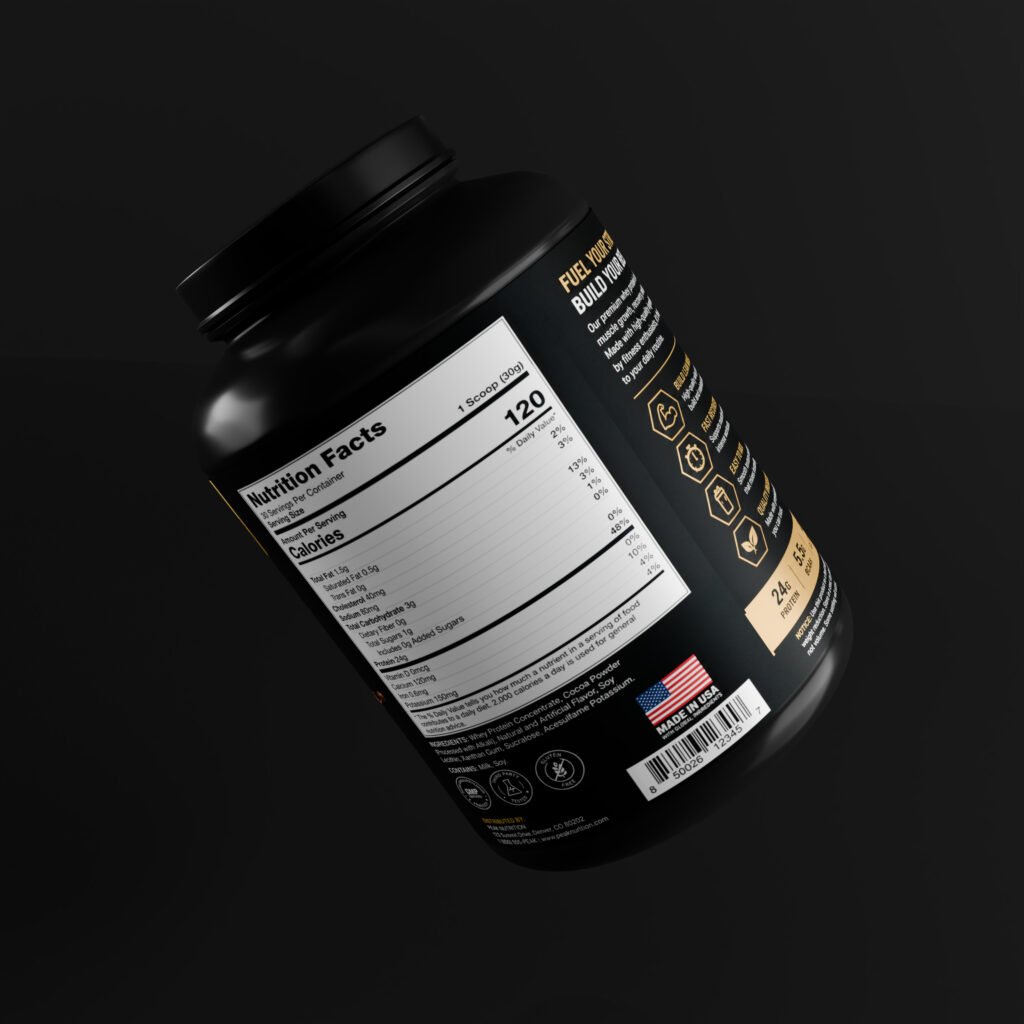
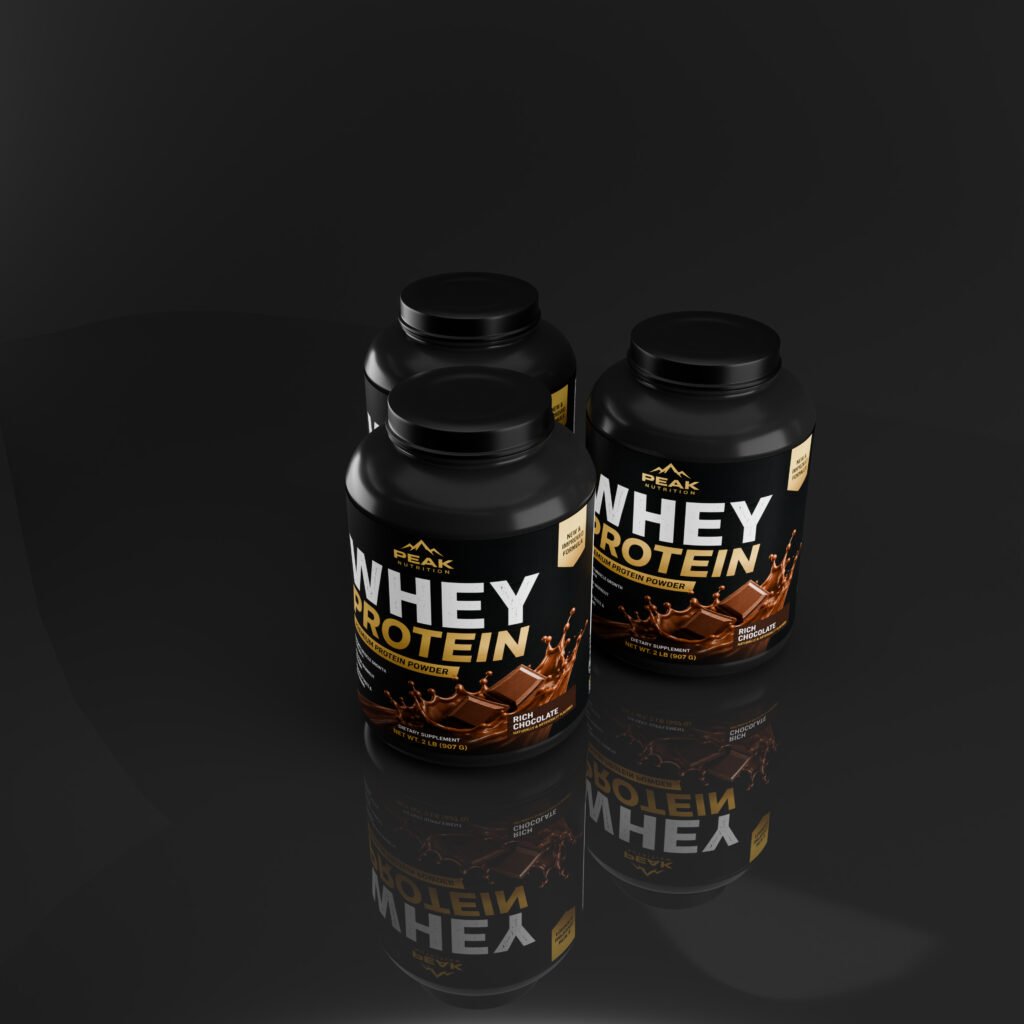
Photoshop Label Design
This mockup is designed for easy editing in Adobe Photoshop. Simply place your label artwork into the designated smart object and customize the design to match your brand. The realistic perspective and surface details automatically create a professional product presentation.
You can showcase logos product names nutrition information ingredients product benefits barcodes colors and other packaging details with ease.
Video Render Presentation
Along with static mockup scenes the package can also be presented as a realistic video render making it suitable for product promotional videos social media content website banners advertising and product launch presentations.
The video presentation adds movement and a premium visual experience helping your packaging design stand out beyond traditional static mockups.
Perfect for Product Branding
This free jar mockup is ideal for graphic designers packaging designers branding agencies supplement brands cosmetic companies skincare businesses and creative professionals.
Use it for client presentations portfolios online stores advertising campaigns social media posts product launches and promotional videos.
Download this Free Jar Mockup with 8 realistic scenes and video render presentation and turn your label artwork into a professional high quality product showcase.
Add design by clicking on label.
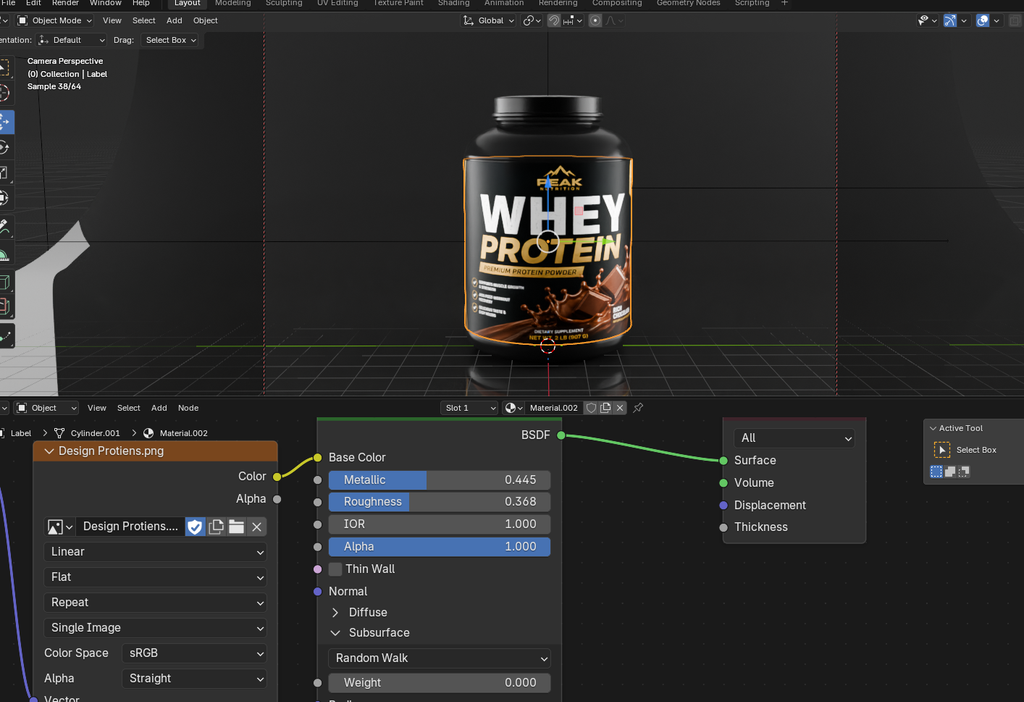
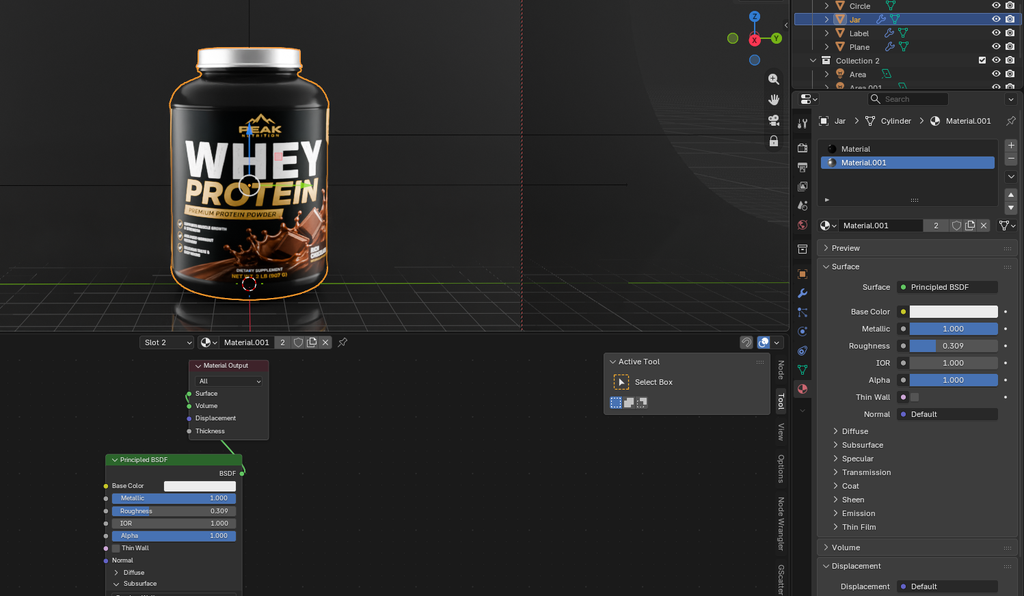
Material.001 is for Top lead color.
Material is for Jar color.
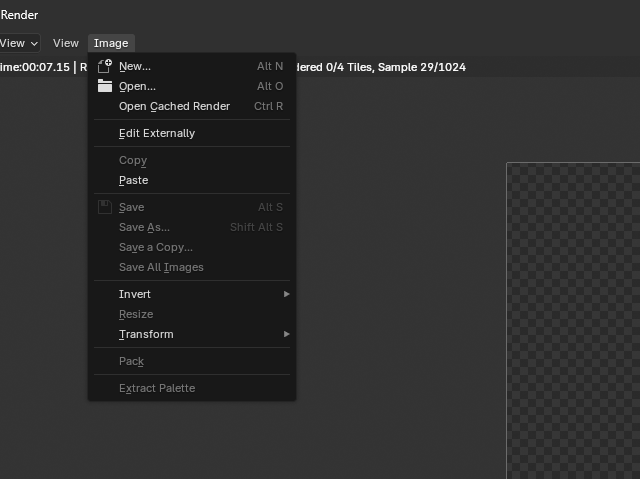
Render image by (F12)
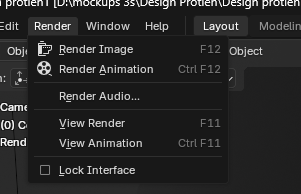
Save image by Shift Alt S
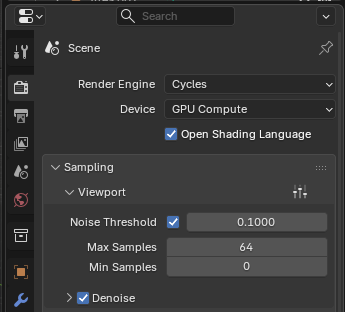
Use Cycles and Gpu
Use photoshop file To save design in Proper Size